Create intricate designs, patterns, and mandalas using intuitive drawing tools. Use a single stroke to generate complex artwork. Access a variety of brushes and color options. Save and share creations directly.
And with tracing guides and step-by-step tutorials. Choose from various fonts and styles. Trace letters, letters, and symbols. Access inspirational quotes and decorative elements. Use a high-tech tracing projector for guidance.
Create and edit drawings with brush, blur, eraser, fill, pen, pixels, procedural, select, smudge, text, and vector tools. Work with hundreds of layers. Participate in daily drawing challenges, competitions, and collaborative co-ops.
Learn basic alphabets and practice letterforms with guided techniques. Create custom names using brush and pen tools. Add decorative symbols and design greeting cards. Export and share finished artwork.
The app offers word search puzzles with trivia questions covering pop culture, food, books, sports, geography, history, films, art, and science. Users can personalize the game with custom backgrounds, fonts, and pen colors.
Create handwritten with customizable pens and highlighters. Annotate and markup PDFs. Record audio . Use AI to enhance note-taking. Organize with folders and tags. Sync across devices. Export in multiple formats.
Practice writing by tracing letters and words. uppercase and lowercase characters. View animated stroke order for each letter. Practice words in multiple languages including German and Spanish. Add custom words for personalized practice.
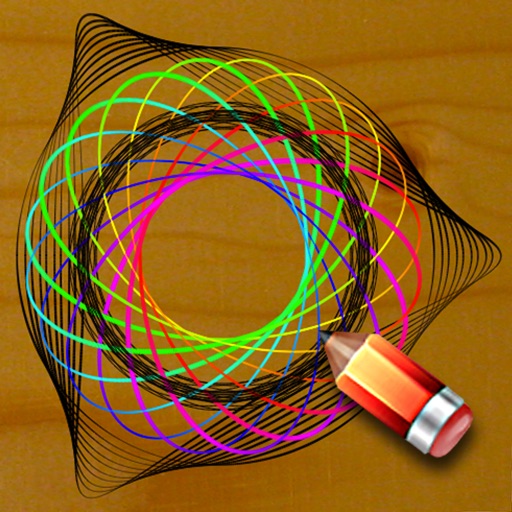
Practice handwriting, draw spirals, strengthen motor skills
Practice handwriting with customizable drawing tools. Adjust painting speed for different skill levels. Use varied colors, thickness, and calligraphy effects to enhance motor skills and penmanship accuracy. Track progress through repeated exercises.
Practice Chinese calligraphy by tracing strokes from masterpieces. Learn character structure and brush techniques. Access cultural context and historical insights. Save and review practice sessions. Export strokes for further refinement.
Create fluid ink paintings with finger swipes. Use tapered brushes for organic line effects. Overlay strokes for layered artwork. Practice minimalist and painting techniques.
The app offers over 20 drawing tools that mimic real-life implements, including wet and dry watercolor brushes. It features a tracing projector, precision tools like rulers and shapes, and full layer support for creating detailed artwork.
Teaches letter shapes and pronunciation. Guides correct letter formation with start points, strokes, and direction. Includes difficulty levels for assisted . Allows to practice handwriting in a game-based learning environment.
Take notes with customizable ink styles and pressure-sensitive strokes. Choose from various pen tools and colors. Record and sync audio with writing. Draw precise shapes and lines. Share notes directly.
Create art with customizable drawing tools and templates. Access packs for calligraphy, mandalas, and artist-inspired paintings. Choose from themed categories like Ink. Practice drawing techniques and explore creative exercises.
Generate designs using AI by inputting text, phrases, or aesthetics. Customize styles, colors, and layouts. Export designs in various formats and share directly.
The app allows users to practice Chinese brush calligraphy on iPad and iPhone. It uses original strokes from ancient master pieces to help users feel like a master and enjoy calligraphy's artistic charm.
Font manager allows users to access 100+ stylish for social media and design projects. Generate text with customizable for Instagram, Facebook, WhatsApp, and other platforms. Export text with selected for sharing across apps and social media.