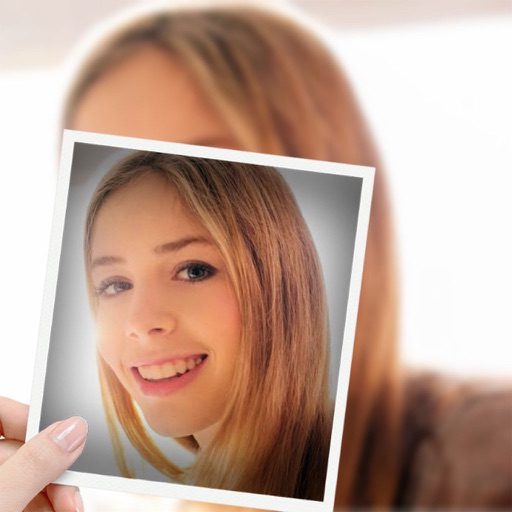
Take selfies with pip effects and apply filters like sepia and vintage. Create collages and edit photos with various effects and frames. Select images or capture new ones and enhance them with pip features. Share edited photos directly.
Allows users to apply effects to backgrounds. Select images from the gallery or capture new photos. Use multiple blurring tools to adjust the effect. Export edited images directly.
Edit by blending images from the gallery or combining them with existing templates. Adjust exposure and color to create double exposure effects. Save and share the final edited image.
Convert rectangular photos to (1:1) or portrait (4:5) formats. Select media, choose layout options, and share directly. Add white frames and adjust background colors for clean, framed visuals.
Edit photos using adjustable filters for brightness, contrast, saturation, color temperature, highlights, shadows, and color. Add text to images for customization. Preview in real time. Remove previous settings. Save edited photos to the device.
Edit photos with filters, select and apply Independence Day , add text with customizable font style and size. Share edited photos via social links. Set color options and arrange images in sets.
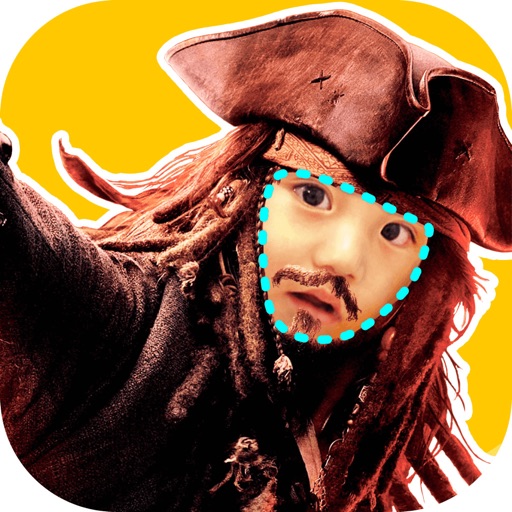
And undo in images using AI. Compare edited and original versions. View images in a single interface for detailed analysis. Change hairstyles and add layers. Add emotional expressions to images. No ads. Requires a face in the .
Remove unwanted objects from photos using AI-powered erasing tools. Mark or tap objects to delete them. Replace or remove backgrounds with new ones. Automatically cut out objects with a tap. Undo or redo changes.