

Apps Like Magic Background for iPhone and iPad
Magic Background screenshots
Ranked alternatives
Showing 701–720 of 1,000 ranked alternatives.


PIP camera two image into one
志勇 马
Two images become one photo.
The app combines two images into a single photograph. Users can select companion images and create artistic effects with various photo mixes.



Roast App・Roast Your Friends
Victor Edu
Upload photos and get AI roasts
Upload a photo and generate 6 customized roasts analyzing appearance, fashion, and background. Select intensity level: medium, high, or extreme. Choose from 8 styles including savage, sarcastic, and sassy. Share roasts with directly.







Stunning art Photo Lab Editor
Nalin Savaliya
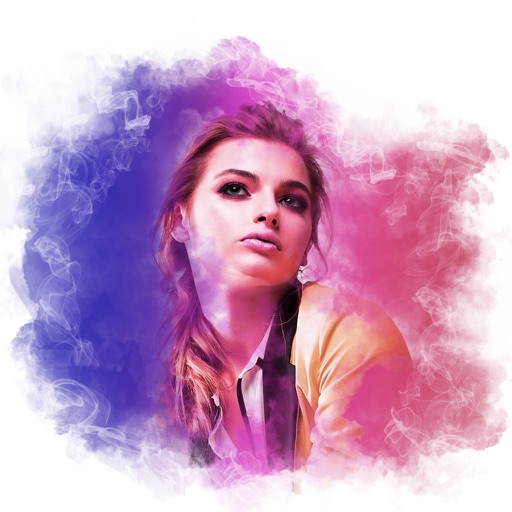
Edit photos with shattering effects
Edit photos with blur background settings, shattering effects, and color frames. Add overlays and crop, rotate, or flip images. Import from gallery or camera, and share edited photos to social media.

Video to Gif Maker - Motional
Devworks Solutions SRL
Create GIFs from photos and videos
Create GIFs from photos, videos, and bursts. Trim and crop media. Apply stickers, filters, and effects. Merge content from photo library. Share GIFs to Instagram, Snapchat, Twitter, and Messenger. Generate pixel- GIFs, Stories, and Wallpapers.

Purple Flower Photo Frames
Himanshu Yadav
Frame photos and share them online
Choose a from the gallery and apply a frame to create customized . Adjust the by rotating, scaling, zooming, or dragging to fit the frame. Share the result on social media platforms like Facebook and Twitter. No internet connection is required.

How we rank alternatives
Apps are ranked by functional similarity, category fit, rating confidence, and popularity.