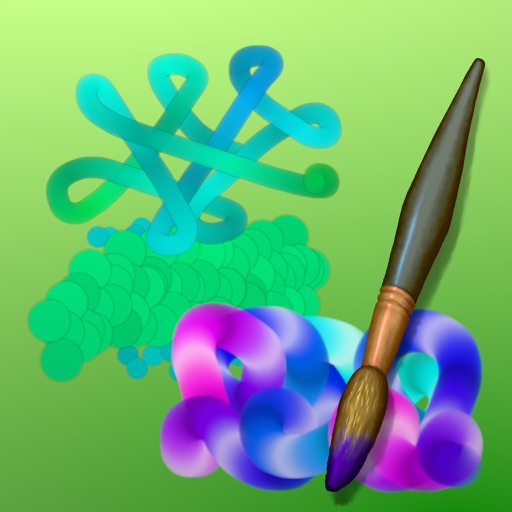
Create art with drawing and painting tools including Standard Brush, Eraser, Serpentine Brush, Pulse Brush, and Confetti Brush. Adjust stroke properties based on Apple Pencil pressure and tilt.
by Norbyte★ 4.810 ratingsEntertainmentFreeData updated 2026-09-08
Create art using realistic and watercolor effects. Draw with tools like marker, airbrush, crayon, and eraser. Apply fluid-based watercolor effects in the full version. Adjust colors and blend textures for detailed illustrations.
Create seamless patterns using 17 symmetry types and 23 templates. Draw with 18 brushes including pencil, liner, and airbrush. Use symmetry guide lines to align designs. Export patterns in multiple formats.
Arthur Eduardo Skaetta Alvarez Desenvolvimento de Software LTDA.
Convert photos to sketches
Convert photos into various styles like , colored, painting, and comic. Adjust brush thickness for customization. Save high-resolution sketches for sharing or printing.
Create art by drawing on pages with customizable brushes. Choose from 10 brush types including oil, chalk, and watercolor. Paint detailed images of princesses, animals, dinosaurs, cars, and planes. Save and share finished artwork.
Draw with a brush that adjusts width based on finger movement speed. Create Japanese calligraphy or watercolor paintings. Select or capture background images. Save or export drawings to other apps.
Edit photos and videos to create oil paintings using 29 presets and 12 professional tools. Adjust brush strokes and colors manually. Apply AI-generated oil with machine learning enhancements. Export edited content in various formats.
Create mandala paintings using vector-based tools. Zoom smoothly for precise details. Choose from various colors and brush styles. Save and share drawings directly. Adjust layer settings for customization.
The app offers live-calculated brushes and strokes that interact with a generated canvas texture. Users can adjust parameters like color and size while painting, and stroke size changes based on fingertip contact with the screen.
Create digital illustrations with painting, coloring, and drawing tools. Use multiple layers, customize brushes, and mix colors for precise control. Apply textures and save or share artwork directly.
The app provides tools for realistic oil painting and unique effects like Worm Pen. It features live-calculated brushes and strokes that interact with a generated canvas texture.
Edit photos and images with advanced tools for retouching, layering, and painting. Create multi-layered art and designs. Adjust colors, contrast, and lighting. Export in various formats and share directly.
Create drawings and sketches on customizable canvas backgrounds. Record sessions as videos. Share creations with friends. Choose from preset color palettes for different coloring styles.