Create 3D art using step-by-step tutorials. Access a large collection of drawings and techniques. Learn without prior skills through self-guided lessons. Practice drawing various styles. Export and share finished artwork.
Use AI to visualize wall colors in real-time. Select and preview shades in your space. Explore options and see how they look on your walls. Adjust tones and save preferred colors for future reference.
Explore curated artwork from various art movements and styles. Learn about painting techniques, historical context, and artist backgrounds. Search for past artworks using a calendar view.
Learn Quranic recitation through step-by-step lessons and authentic pronunciation. Practice with exercises for first and sixth lessons. Track progress and access guided recitation for foundational skills.
Create art by placing pixels on a canvas. Choose from various images like unicorns, dinosaurs, and food. Draw following numbered guides to fill sections. Receive feedback with a satisfying click sound when diamonds are correctly placed.
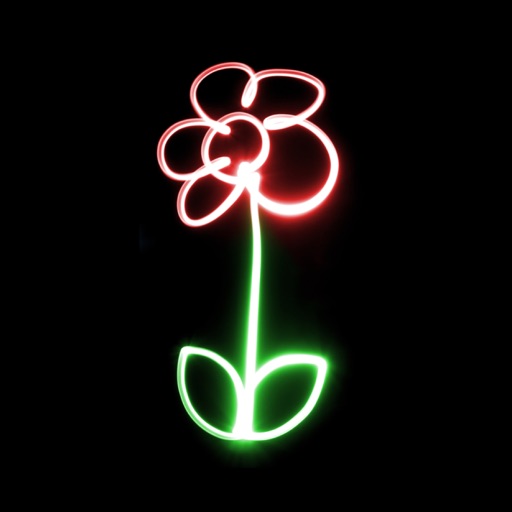
Create glowing neon paintings from photos. Save artwork to Photo Library. Email postcards globally. Supports New iPhone and iPad. Use multiple undo levels. Mix colors for unlimited options. Adjust brush size and glow intensity.
Offers video lessons from professional instructors. Users can access structured courses, track progress, and participate in challenges. Features include lesson replays, performance feedback, and integration with fitness tracking tools.