Create a soundscape with a moving sound source by splitting audio into 4 frequency bands. Each band has a coloured sphere for adjusting pan, stereo separation, and volume. Control stereo placement with automation or random effects.
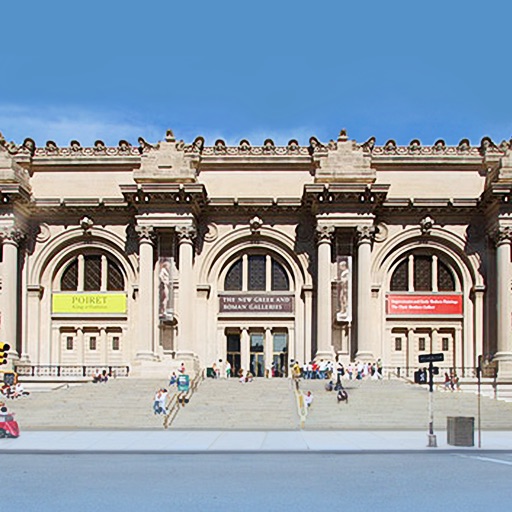
View high-resolution paintings from the Museum's collection. Explore detailed artwork descriptions. Navigate through a slideshow featuring animated graphics. Search for specific artists or artworks. Share selected pieces via social media.
Convert videos to MP3 format and save them to your device. Extract from videos, playback, and create MP3 files from selected segments. Cut into intervals and convert videos quickly with a simple user interface.
Listen to or read Banis by various authors. Access live kirtan from Gurudwaaras. Receive daily Hukamnama from Darbar Sahib, updated daily. Supports offline playback for Banis except Hukamnama.
Convert video files to formats like MP3, WAV, and AAC. Choose input formats including MOV, MP4, and WEBM. Export converted and share it directly with others.
Manage and organize files with playlist creation and playback. Transfer songs via Google Drive, iTunes, or Wi-Fi. Sync with cloud storage. Play without an internet connection. Support multiple file formats.
Edit files with multi-layer mixing and region-based editing. Import and export in various formats directly from Files. Perform batch format and rate conversion. Manipulate clips and samples efficiently on iPad.
The app plays monophonic melodies and converts them into music notation. Users can edit scores, change playback sounds, and share results via email, Twitter, or Facebook.