Lets users instantly preview and play samples from their iOS device. They can create kits by tagging files and sync tags and favorites via iCloud. Samples can be played via pads and exported as chains for use in preferred software.
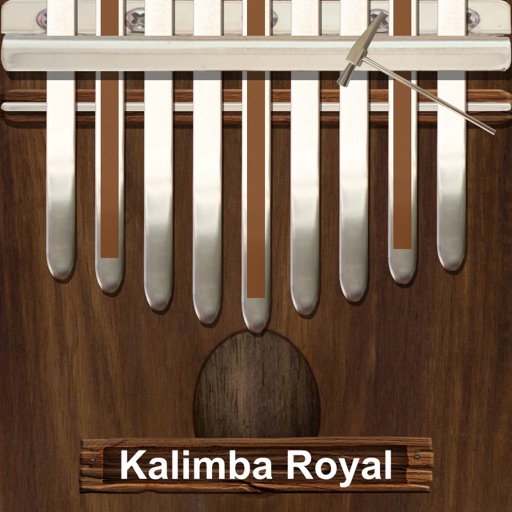
Play a traditional African musical instrument with metal tines. Pluck tines with thumbs to create melodies. Adjust pitch and volume. Save and share recordings. Learn scales and chords through built-in lessons.
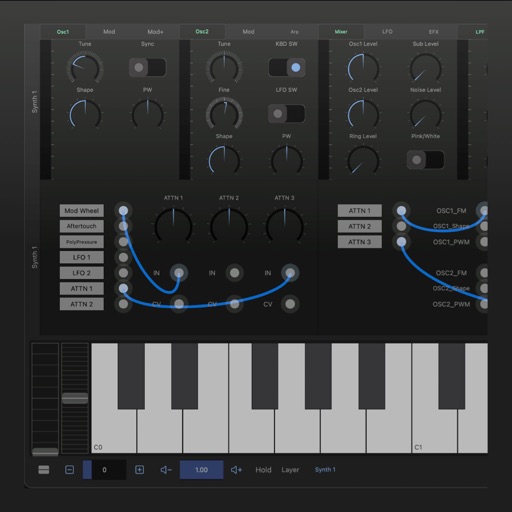
A synthesizer with 16 voice polyphonic capabilities. Users can create sounds using two oscillators per voice, adjust ADSR envelopes, apply filters, and control amplification. Includes effects, a sequencer, and audio visualization.
Apply audio filters with 21 types including lowpass, bandpass, and comb. Adjust filter slopes up to 48 dB using SVF, diode ladder, and transistor ladder. Add distortions and modulations for sound effects. Output processed audio files.
Create and manipulate music with unlimited instruments and audio recording. Build scenes using pattern mode and visual elements. Control instruments via multitouch and motion interface. Connect to HDMI and Airplay for live performances.
Create drum sounds and synthesize vocals using a 24-part sound engine. Use a pattern sequencer to arrange beats. Apply effects including a Phrase Vocoder that converts text to vocal-like sounds. Adjust vocal characteristics such as gender.
Create and customize rhythms with preprogrammed patterns or original grooves. Combine rhythms in Song Mode or use Live Pads for real-time performance with 8 assignable pads and MIDI controls. Sync with other apps via Ableton Link.
Create and edit music with an 8-track sequencer, record loops and melodies, and control instruments in real-time. Use a flexible mixer with DSP effects. Edit tracks via step sequencer and automation.
Create and edit music with . nd organize chords from over 50 scales. Build custom chord sets and adjust types. Perform using built-in instruments or MIDI output to DAWs. Access all pro features free for one month.