Stream audio, MIDI, and OSC data through a USB connection to integrate iOS into music production. Control apps with MIDI controllers or send OSC messages to compatible software. Sync multiple iOS devices using Ableton Link for seamless collaboration.
Create and play chord progressions in various styles. Add chords, select instrument tracks, and hit play. Experiment with complex arrangements using hundreds of piano, guitar, synth, bass, and drum tracks.
Create and edit musical scores with tablature and notation tools. Add chord diagrams and guitar effects. Play back compositions and share files. Supports stringed instruments like guitar and bass.
Create and edit music using a nonlinear time engine with time-bending playheads. Automate parameters and control multiple playheads in a single grid interface. Sequence notes and manipulate tempo for complex compositions across iPad, iPhone, and Mac.
Explore with chord and scale references. Identify and analyze chords. Create and edit MIDI files. Use AUv3 plugins for sound synthesis and composition. View detailed scale information and interval relationships.
Create music using a grid-based with clip arrangement. Manipulate clips through copy, duplicate, merge, combine, and drag-and-drop actions. Access quantize and clip length tools. Connect to plugins and external devices for sound generation.
Turn analog piano into a digital instrument by recording and converting piano music to MIDI. Convert existing music files on your device. Edit MIDI files in music production apps.
Create and manipulate sound using a variety of oscillator types including analog, FM, additive, and physical modeling. Adjust waveform shapes, filter settings, and modulation parameters. Play in monophonic or 8-voice polyphonic mode.
MIDI/MPE controller for Studio on MacOS. Map controller inputs to parameters. Adjust modulation, velocity, and pressure sensitivity. Customize layouts and save presets. Connect via USB and support multiple devices.
Create and customize synth patches using analog modeling technology and intelligent preset generation. Adjust modulation parameters for sound shaping. Access a library of pre-designed synth tones. Export audio files for use in projects.
Create and arrange melodies, bass lines, and drum beats by moving dots on the screen. Switch chords and patterns instantly. Apply delay and reverb effects to instruments. Tap or drag to build sequences. Sync with AirPlay for playback.
Create custom percussion sounds using a flexible synthesis engine. Design drum patterns with a Euclidean sequencer. Export and integrate sounds into projects. Adjust synthesis parameters for unique effects.
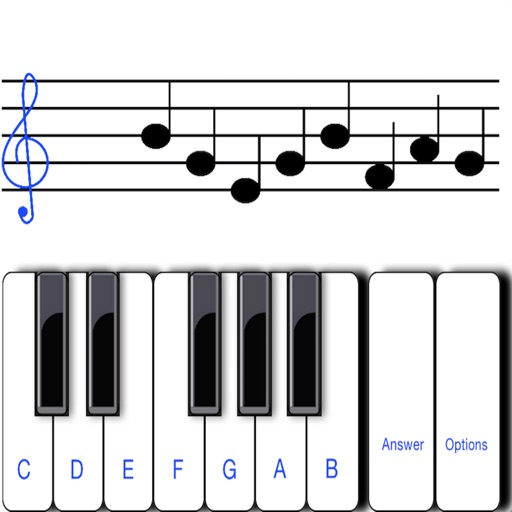
To sight notes in G and F clefs. Practice notes across six octaves, including those above and below the staff. Randomly generated notes apply to any instrument. Switch clefs for varied practice. Beginners can limit octaves and set their pace.
Create and control immersive and for live performances and studio sessions. Adjust parameters to shape tone and texture. Trigger transitions and effects in real time. Sync with audio interfaces for seamless integration.
Create and edit sheet using a virtual piano keyboard. Export and import MusicXML files for compatibility with other software. Compose simple piano pieces or complex symphonies. View and adjust musical scores with a user-friendly interface.
The app offers a game-based approach for children to learn music reading through timed note flashcard challenges. It includes a practice mode for relaxed learning and supports multiple input methods, including playing an instrument.