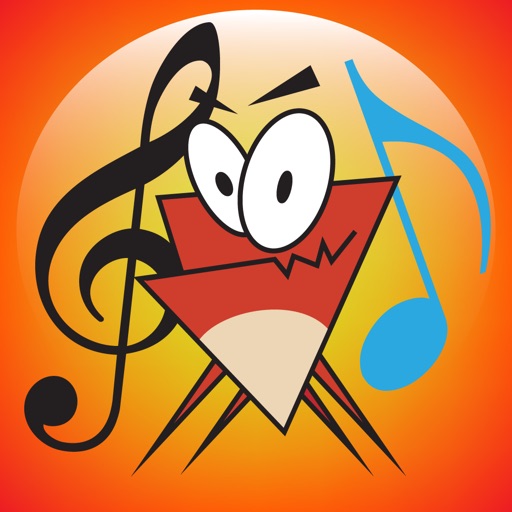
The app teaches note recognition and sight-reading skills through a musical game. It features an animated character and adjustable difficulty for players of all ages and skill levels.
Learn staff notation, music theory, and - through interactive exercises. Practice with customizable worksheets and quizzes. Track progress with detailed reports. Sync lessons across devices and access a library of musical examples for practice.
Create evolving melodies and patterns using polyrhythms. nd control up to 8 sounds simultaneously. Store 16 project configurations. Use a sampler with envelopes, filters, loop crossfading, LFO, and more.
Teach note recognition and sight reading through a musical game. Help Munchy catch blue notes to improve skills. Features include interactive gameplay, adjustable difficulty levels, and progress tracking. Syncs with music theory standards.
Create and customize synths with wave shape modulation and AUV3 support. Adjust envelopes, apply reverb and tremolo effects. Use a polyphonic keyboard with 5 octaves range. Connect MIDI keyboards via USB for velocity and pitch shift.
The app supports up to 16 audio/MIDI tracks, built-in pads, ambient loops, and metronome. It integrates chord charts, PDF scores, lyrics with video backgrounds, and foot pedal control for practice, rehearsal, and performance.
Create and edit music using a nonlinear time engine with time-bending playheads. Automate parameters and control multiple playheads in a single grid interface. Sequence notes and manipulate tempo for complex compositions across iPad, iPhone, and Mac.
Create beats and melodies using drum kits, synths, and melodic instruments. Sample audio via phone microphone. Edit MIDI sequences and export tracks to Live. Explore sound libraries and experiment with effects. Save and share musical ideas directly.
Manage songs with lyrics and sheet music. Playbacks, MIDI files, and videos are supported. Control MIDI devices or be controlled by MIDI. Access songs on-demand during performances. Unlock full version via in- purchase to remove song limit.
Create and play musical projects using clip-based sequencing. Use built-in to generate notes, chords, arpeggios, and rhythms. Connect external instruments or MIDI hardware. Apply effects and arrange audio elements for performance or production.
Allows users to create and manipulate multiple independent musical voices. Features include pitch adjustment, temperament control, and multi-touch performance. Users can access additional instruments via in- purchases.
Compose music with Apple Pencil, converting handwritten notation into typeset scores. Edit, play back, print, and share scores. Record or import audio and edit it with Apple Pencil.