Edit and arrange audio samples with multi-sampling capabilities. Stream high-quality samples efficiently. Integrate with iOS production tools like AUv3. Record, playback, and manipulate audio in real time. Export projects in standard audio formats.
The app provides three virtual-analog synthesizers with three oscillators each. It includes over 50 drum kits, a built-in sequencer, and an arpeggiator with preset patterns for creating music.
Transform in real time using adjustable presets and sound engine. Change to baby, tenor, robot, choir, animals, or instruments. Apply effects like AutoPitch, vocoders, and percussions. Record and share transformations.
Apply multi-effects to audio with two stereo effect engines using 24 algorithms. Configure effects in series, parallel, or stereo split modes. Control parameters via an XY pad with recordable motion. Adjust settings for precise sound shaping.
Create and customize sounds using FM Synthesis. Adjust waveform parameters, modulators, and envelopes. Preview and save presets. Export audio files and share directly. Connect via MIDI or Bluetooth.
Create and customize chord sets using an internal library or random generation. Play chords with 8 groups of 16 pads or 2 groups of 64 pads. Generate MIDI controls on pad axes. Connect via MIDI and use as a standalone or AUv3 plug-in.
Record and MIDI tracks for music production. Edit vocals for pitch and timing. Use virtual instruments and effects. Create drum patterns with custom samples. Mix and automate tracks with unlimited undo/redo.
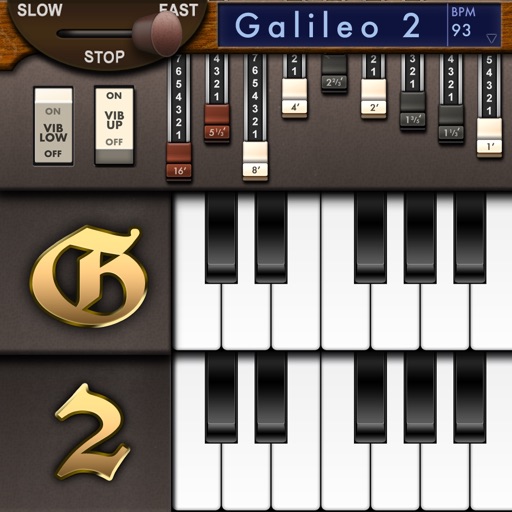
Create and customize sounds with 17 different types. Configure three manuals independently. Use scanner vibrato and chorus effects. Simulate rotary cabinets and tube amplifiers. Access AUv3 plugin for integration.
Turn your iPhone or iPod Touch into a musical instrument. Select chords and strum strings with fingers to create arpeggiated sounds. Edit and share songs, use MIDI support, and transpose notes with in- purchase.
Allows users to create custom delay signals using three effect racks. Effects can be inserted before, during, or after the delay loop. Users adjust signal flow by selecting and arranging effect modules across the racks.