Create and share short videos as animated GIFs or MP4. Capture frames with the or import photos, videos, or Live Photos. Apply real-time color filters, add text or frames, and choose stop motion or video mode.
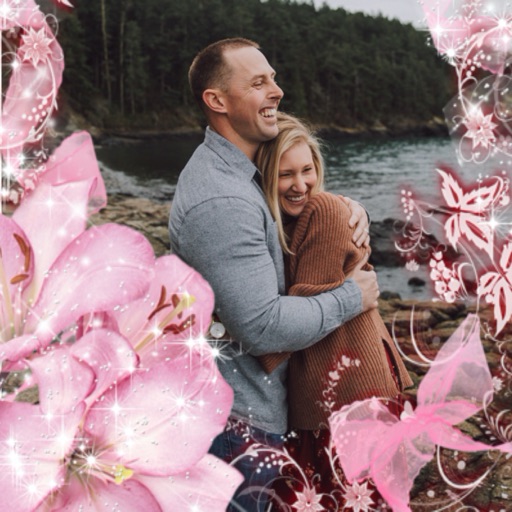
Select a or take a new one with the camera. Choose from over 30 colorful to decorate images. Apply different frame styles and designs. Save edited photos to the gallery and share them on social media.
Camera allows users to add current time and location to photos and videos. Users can customize appearance with font, color, and size. placement options include top, bottom, left, right, center, and corner.
Create by selecting from various and adding photos from the gallery or camera. Adjust photos with zoom, rotate, and move gestures. Save and share customized greeting through social networks.
Create Christmas-themed photo and greeting cards. Add custom to photos and send them to friends. Include holiday backgrounds and festive text options. Share edited images via social media or email.
Create by adding photos or to customizable frames. Adjust images with zoom, rotation, and movement. Choose background music or mute the video. Share finished with friends and family.
Capture site photos, share instantly, view progress
Capture and share site photos with team members. Add location pins to maps and plans for context. View progress and generate reports. Comment on photos and attach notes for stakeholder communication. Export images and access them via the web .
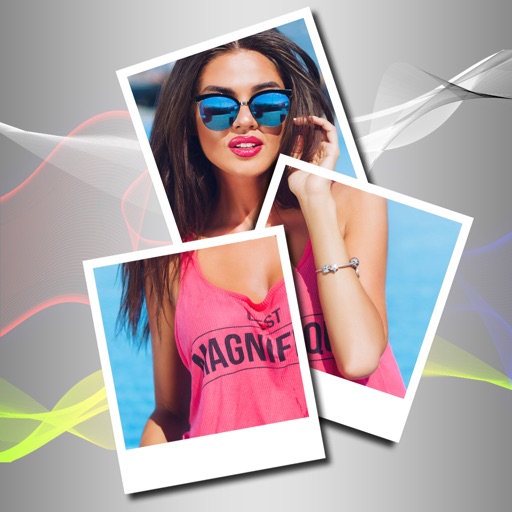
Edit photos with PIP frames, collages, and creative layouts. Add crystal bottle patterns and cartoon styles. Share edited photos directly to social media. Adjust brightness, contrast, and colors. Crop and rotate images.
Shanghai Zongchong Information Technology Co., Ltd
Capture moments with AI suggestions
Allows users to capture photos with AI-powered recommendations. The analyzes lighting, colors, and subject matter to suggest tailored templates. Users can apply these templates to their images for precise and visually appealing proof of capture.
Select photos from gallery or photo library. Choose from numerous PIP frames. Use single image for both foreground and background or different images for each. Edit foreground and background separately. Apply photo filters.
Screen content and import it into the . Select from 360-degree phone shell templates and various angles. Use one-click intelligent synthesis to enhance visual effects. Upload videos to multiple platforms for sharing and promotion.
Create collages by combining multiple photos. Add romantic and text. Share collages via social media or messaging. Customize layouts and edit images within the .