Access remote desktops and control Windows sessions
Access remote Windows desktops via RDP. Control and view desktops on iPhone, iPad, or iPod Touch. Supports all Windows versions with Terminal Services. Connect to Windows Terminal Services and Remote Desktop Services.
Record and playback audio samples with a multi-octave on-screen keyboard or MIDI device. Save, load, and reverse samples. Loop samples in forward, reverse, or forward-reverse modes. Apply reverb, resonant filter, and sample rate/bit crusher effects.
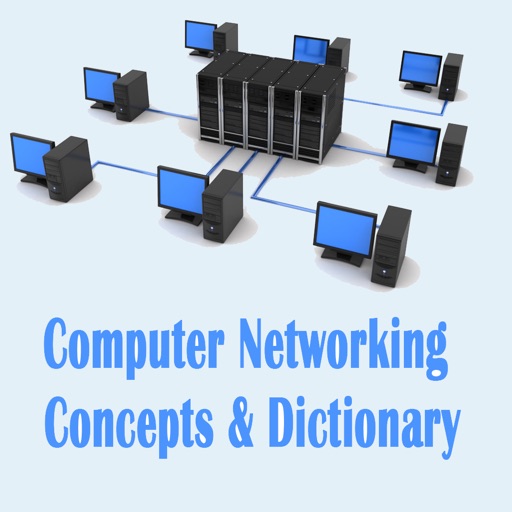
Scan local networks to identify devices and open ports. Check LAN and WAN IP addresses. Calculate subnet masks and perform tests. Verify mail server status with RBL checks. Determine IP details for network troubleshooting.
Control DVR functions remotely with keyboard input and automatic discovery. Rotate device for QWERTY keyboard access. Connect via Bonjour or manual IP/port entry. Use "Premiere" mode for compatible DVR models.
Create and manage VPN connections using IKEv2 and WireGuard protocols. Configure tunnel settings and save multiple profiles. View connection status and manually connect or disconnect. Export configuration files for backup or sharing.
The app allows homeowners and property managers to control a Leviton system. Users can adjust lighting, temperature, security, surveillance, and audio from their iPhone or iPod Touch.
Control devices via infrared signals and network commands. Send keystrokes to computers. Adjust volume and media playback. Manage smart home devices. Create custom layouts. Sync with Server for advanced setup.
Create customizable on-screen keyboards using plain text. Add language or dialect support. Design layouts for workflow optimization. Include fancy characters and Unicode symbols. Export and import configurations.
Monitor activity on iOS devices. Filter events by type, group, or channel. View detailed interpretations of event packets. Display raw data in decimal and hexadecimal formats. Send feedback via email. Rate the through the settings page.
A 4-band parametric stereo equalizer with peak, low-shelf, and high-shelf filters. Adjust gain, frequency, and Q for each band. View real-time frequency response graphs. Apply effects for subtle enhancements or aggressive boosting.