Display weather information via a customizable widget with dark and default background options. Check weather by long-pressing the map. View weather and time globally. Receive notifications when weather changes.
Coloring pixel lets users select pre-made objects and color them using provided colors. Users can zoom in to better view the area. They can choose between easy and advanced images with varying color complexity.
Take a selfie and submit it for others to portraits. Browse community artwork including masterpieces, doodles, and caricatures. Use GPU-accelerated tools with various brushes for drawing.
By allows users to select pre-made images and fill them using numbered codes. Users can zoom in on the drawing, choose colors, and match them to the image. Autosave functionality is available, and new pixel art and by puzzles are added daily.
Draw lines on the screen to protect cute cats from attacking evil cats and flying monsters. Complete levels within a timer to escape crises. Features include multiple levels, simple controls, and adorable character designs.
Create art using augmented reality features. Draw on real-world surfaces with AR overlays. Receive real-time feedback and guidance while sketching. Explore interactive tutorials and artistic tools to enhance drawing skills.
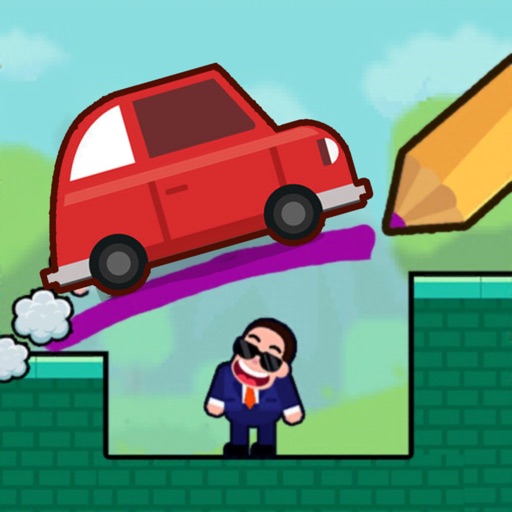
Build bridges by drawing lines to support a car across varying levels. Adjust structural elements to ensure stability. Test designs for strength and accuracy. Progress through increasingly complex challenges.
Play with custom routes and plays in iMessage. Move players along predefined paths. Compete in singleplayer, turn-based mode, or live multiplayer via GameCenter. Includes playoff mode and college rules.
Move fingers to draw lines and guide balls to targets. Play in 3D platform levels with varied backgrounds and music. Use game controllers. No internet required. Levels increase in difficulty. Supports single player mode.