Capture photos of the moon by aligning the camera manually. Adjust moon size with two fingers. Tap to autofocus or manually adjust focus. Modify brightness using +/- buttons for better detail. Press the circular button to take a photo.
by ZIZICICI LIMITED★ 4.437 ratingsPhoto & VideoFreeData updated 2026-09-06
Predicts optimal times and locations for photography based on light, sky, and moon conditions. Displays sky, light, and moon indexes. Provides forecasts for worldwide locations. Helps plan outdoor shoots with detailed weather insights.
Create and simulate custom galaxies with realistic physics. Place and customize planets, stars, and other celestial bodies. Adjust orbital paths and gravitational forces. Explore 3D space and test planetary interactions.
Turn selfies into cartoons with instant morphing and emotion imitation. Apply , pencil sketch, and bug eyes effects. Create old man, moon, or beard styles. Share edited portraits directly.
Point your device to view , planets, and constellations in real time. Identify celestial objects with detailed information. Track planetary movement and lunar phases. View constellations with stellar classifications and vibrant visuals.
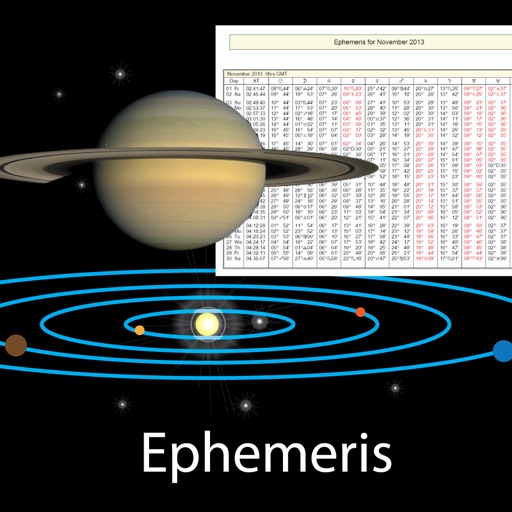
View celestial events like sunrise and sunset times, planetary positions, and declination data. Adjust date and time to check ephemeris for the Sun, Moon, and planets. Access physical properties of celestial bodies including distance and mass.
View the position through augmented reality. Explore 2D and 3D lunar path visualizations. Access detailed data tables showing phases, eclipses, supermoon dates, moonrise and moonset times, and age.
Explore a 3D model of with real-time sun position and dynamic lighting. Rotate the globe, zoom in on continents, and view and galaxies. Adjust lighting effects and track celestial movements. Share the view via screen recording or screenshot.
Customize device appearance with themes, widgets, and . Change home and lock screen designs with matching visual elements. Apply free themes to create a unified look across the device.
Track lunar phases, moonrise and moonset times, and eclipse predictions. View detailed maps and surface features. Adjust settings for photography with exposure and focus guides. Access astronomical data and cultural lunar calendars.
Plan sunrise, sunset, and moon phases with detailed Ephemeris data. Use Live Camera View to track light sources. Access an Interactive Map with Street View and a 3D Compass for location-based planning.
Capture photos and record videos without activating the . Use autofocus, image stabilization, and scene recognition for clear, well-composed shots. Record in low-light conditions without disturbing the surroundings. Share media directly from the .
Identify stars, constellations, and satellites by pointing device at the sky. View detailed information about celestial objects. Access additional content through in- purchases. Sync with Apple Watch for notifications.
The app calculates the sun, moon, and Milky Way for outdoor photography planning. It offers features like augmented reality, line-of-sight analysis, and a 3D Milky Way map for precise shot alignment.