Capture photos of the moon by aligning the camera manually. Adjust moon size with two fingers. Tap to autofocus or manually adjust focus. Modify brightness using +/- buttons for better detail. Press the circular button to take a photo.
by ZIZICICI LIMITED★ 4.437 ratingsPhoto & VideoFreeData updated 2026-09-06
Explore a 3D model of the with pinch and finger gestures. Zoom in to reveal detailed labels and tap for information about lunar features. View the phase and libration from your location. Switch to a globe view for additional details.
Arthur Eduardo Skaetta Alvarez Desenvolvimento de Software LTDA.
Videos and adjust speed
Convert videos to with audio reversed. Adjust playback speed for customization. Export and share reversed videos to social media or save to the camera roll.
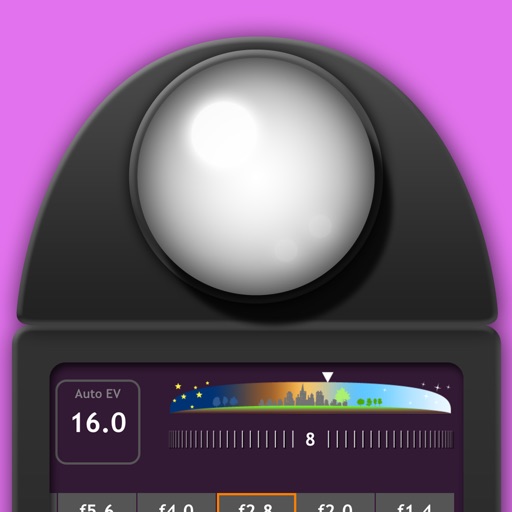
Measure EV values by pressing the left EV button to display aperture and shutter speed combinations. Adjust EV manually to preview brightness changes. Recommended for film camera enthusiasts.
Explore historical alignments of and significant . View cardinal , solstice sun paths, and lunar standstills. Locate ancient sites aligned with these . Share and save location data for reference.
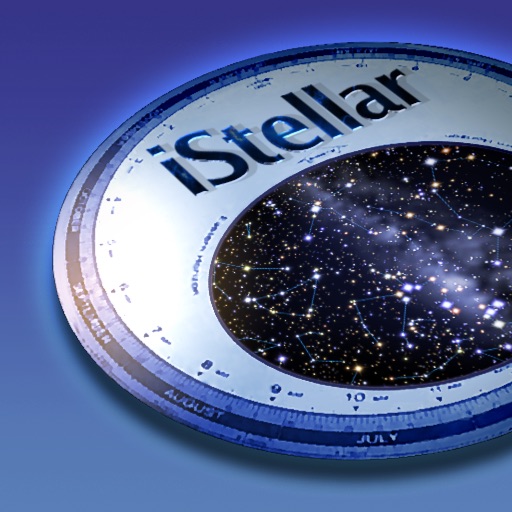
View the night sky from any location and time. Rotate and zoom the star chart using multi-touch gestures. Identify over 16,000 stars with names for 254. Simulate atmospheric distortion and twinkling effects.
Capture photos with a focus on natural colors and authentic light. Adjust exposure and white balance manually. Use -inspired profiles to enhance tones and contrast. Share images directly or export in high-quality formats.
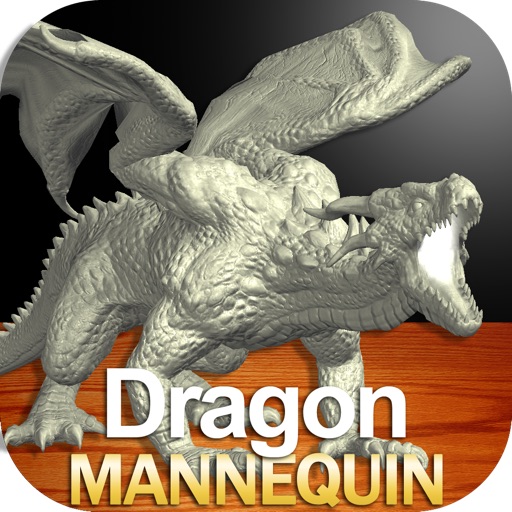
Draw a with poseable limbs and adjustable joints for custom poses. Use reference tools and skins to enhance detail and realism. Adjust camera angles and select backgrounds and platforms for accurate drawing.
Adjust exposure, focus, and white balance manually. Capture images in RAW DNG format. Save photos to roll. Access advanced controls for precise adjustments. Replace automatic settings with custom configurations.
Take high quality photos and videos using triple and dual systems. Adjust exposure and use 10x zoom for both photos and videos. Record HDR videos with real time zoom and smooth focus. Switch between lenses automatically or manually.
Draw a in any pose with poseable figure tools. Adjust limbs and joints for custom positions. Use skins to enhance detail and realism. Change camera angles and zoom. Select from various backgrounds and platforms.
Access guided meditations created weekly by Gaia Chinniah. Explore teachings to awaken intuition and explanations of spiritual energy. Receive support through 24/7 spiritual guidance. Track progress in soul journey with weekly content updates.
Edit photos adjustable temperature, tint, and exposure settings. Use texture blending tools and apply effects. Add stickers opacity and shadow control, and include text 3D effects and multiple fonts. Crop, rotate, and straighten images.