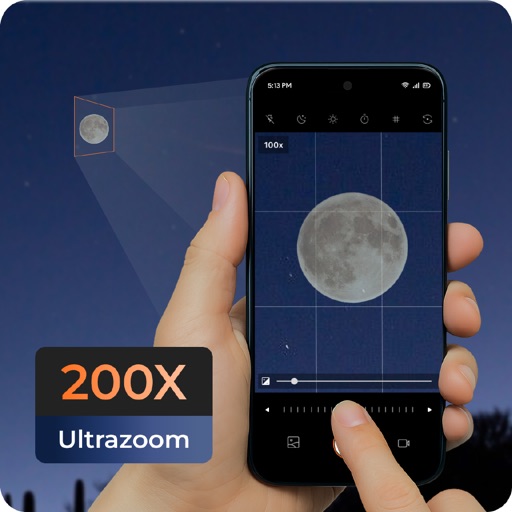
Capture photos of the moon by aligning the camera manually. Adjust moon size with two fingers. Tap to autofocus or manually adjust focus. Modify brightness using +/- buttons for better detail. Press the circular button to take a photo.
by ZIZICICI LIMITED★ 4.437 ratingsPhoto & VideoFreeData updated 2026-09-06
Helps toddlers and young children learn schedules with a visual countdown of disappearing stars. Features customizable sounds, wake sounds, nap timers, and bedtime routine tools.
View real-time night sky and identify celestial objects. Locate planets, the moon, and stars based on your location. Learn about solar system planets with detailed information. Track moon phases and planetary positions.
Learn daily fascinating about space, stars, and planets. Explore trivia on galaxies, planetary properties, and cosmic phenomena. Discover unique scientific insights and historical space . Share via social media.
Simulate the Apollo Guidance Computer interface with a realistic keyboard layout. Tap the 'i' icon for help. Navigate through mission scenarios, input commands, and view system status displays as used during Apollo missions.
Learn weather and space through interactive stories
Help children find lost colors in an interactive storybook. Learn about weather and space through mini games and animations. Explore 40 scenes with hidden objects, sounds, and educational content.
Explore the with 3D visuals and real NASA photos. Interact with an AI that answers questions and provides explanations. Navigate through planets and moons. Learn about space missions and celestial bodies through engaging content.