Convert numbers between , octal, decimal, and hexadecimal systems. Perform step-by-step conversions. Adjust application theme, set maximum digits in fractional results, choose negative number representation, and limit bits in negative outputs.
by Edgar Garcia Leyva★ 4.910 ratingsUtilitiesFreeData updated 2026-09-06
A with large buttons for easy use. Offers seven color themes including Flower, Heart, and Hydrangea. Displays intermediate results during calculations. Allows users to reset calculations quickly.
The app transforms an iPad into a film illuminator viewer. Users can select different styles and adjust settings like rotation, brightness, and grid overlays.
Handles large integers and decimal numbers. Perform high-precision addition, subtraction, multiplication, and division. Save and recall previous calculations. Convert between formats.
Calculator++ displays expressions in real-time and maintains a calculation history. It supports fraction operations, unit conversions, and advanced functions. Users can graph equations and perform complex calculations.
Scientific calculator allows users to perform complex calculations with swipe navigation between functions. Access exponents, logs, and sinus functions easily. View all functions on iPad, with additional options in landscape mode.
Calculator displays calculation history and includes a Today Extension for quick access via swiping down. Supports 3D Touch for fast interactions. Numbers are formatted according to user's country settings.
Calculate fractions and mixed numbers without converting to decimals. Perform addition, subtraction, multiplication, and division. Convert between fractions and decimals. Input measurements for precise calculations.
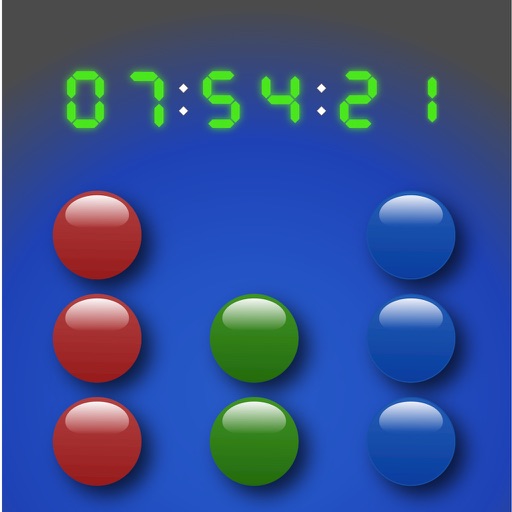
Display time in and BCD formats with optional digital overlay. Switch between 24-hour and 12-hour modes. Customize colors and disable screen lock for personalized use.