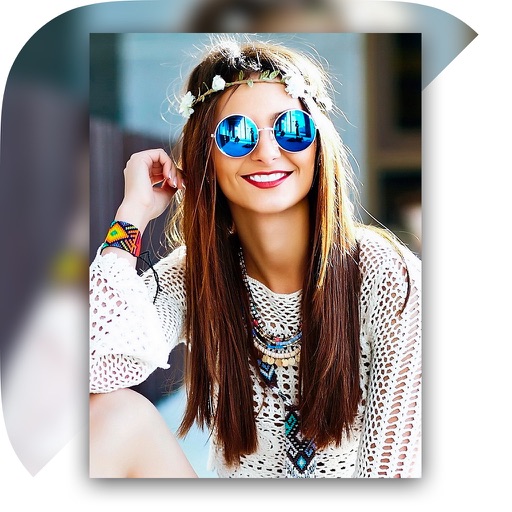
The app offers over 200 frames for photos and supports multiple pictures within a single frame. It includes tens of photo filters and allows photo import from various sources.
Create animations using frame-by-frame drawing on photos. Add doodles and export as GIF or video. Share finished animations with friends. No advanced drawing skills required.
Edit photos with , rotate, flip, and scale tools. Adjust brightness, contrast, and saturation. Add text, stickers, and mixers. Share directly to Instagram and other social media platforms. Export in square format for consistent posting.
Edit photos with filters, cropping, and brightness adjustments. Create collages using customizable templates. Add stickers, text, and drawings. Design storybooks with pages and layouts. Share edited content directly to social media.
Edit photos with filters, overlays, and effects. Create collages and visual stories. Track pregnancy milestones and growth. Add text and stickers to photos. Share edited images directly.
Create videos from multiple selected frames with customization options. Edit photos by zooming, rotating, and dragging within frames. Combine multiple frames into a single large .
Create a visual goal board using customizable templates with multiple photo areas and collage designs. Add images, text, and organize content to reflect personal aspirations. Save and share boards to track progress and stay motivated.
Create collages by combining multiple photos with patterns and grid layouts. Add stickers, text, and cool fonts. Edit photos with cropping and adjustments. Share finished collages directly.