Set without trimming. Adjust to fit duration. Crop to square or keep original orientation. Set background color. Apply filters and overlay shapes. Add background music or retain original audio. Share to social media or save.
Create videos by combining clips and adding text or frames. Choose from various fonts and adjust video length and text position. Crop videos to square for Instagram or Vine. Add music and adjust volume.
Create freestyle collages with customizable layouts and postcard templates. Edit with advanced tools, apply multiple effects, and use beauty editing for men and women. Add stickers, labels, and export high-resolution images.
Slice photos into smaller squares and arrange them in a specific order for Instagram. Users can select images from their library, crop them, and post the arranged slices to create a cohesive image.
Create flyers, posters, logos, and social media graphics with customizable fonts, filters, shapes, and artwork. Add text, adjust colors, and export designs for print or online use.
The app provides grid overlays to assist with photo composition. Users can select from five normal and square grids, with the option to save photos in square size.
Create videos by selecting photos from the gallery and adding music. Choose from 50+ transition effects. Adjust frame speed and layout ratio options including portrait, square, and landscape. Preview and edit in real time.
Create square images for by blurring the , repeating the original image, or filling with a chosen color. Adjust borders to fit entire photos without cropping. Apply effects directly within the .
Edit photos by selecting from Camera Roll or taking new shots. Apply real-time effects to create prism-like glass pieces. Adjust frames, shapes, and patterns. Rotate, resize, and drag elements for custom designs. Export and share edited images.
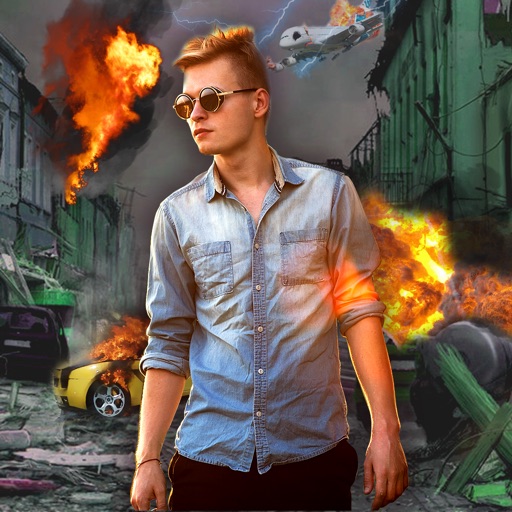
Edit photos with -themed effects like explosions, bomb blasts, and action stickers. Apply customizable FX frames and VFX filters. Decorate images to resemble posters. Share edited photos directly.