The app offers over 200 songs across 7 collections, including classical melodies, national anthems, and movie themes. Songs are available in various difficulty levels suitable for different players.
Train musical ear with 50+ customizable exercises for interval and chord recognition. Practice with adjustable settings and a large chord library. Track progress and repeat exercises for improvement.
Create and arrange melodies, bass lines, and drum beats by moving dots on the screen. Switch chords and patterns instantly. Apply delay and reverb effects to instruments. Tap or drag to build sequences. Sync with AirPlay for playback.
The app generates minimalist melodies using multi-colored raindrops that trigger looping notes. Users can combine different colored drops and notes to compose rainy-day melodic backdrops.
Practice identifying , , and intervals through interactive exercises. Train ear to recognize melodies and chord progressions. Play accompaniment on guitar or piano. Track progress with built-in exercises and scales.
Create and edit music tracks by recording voice and melodies. Add piano chords and other instruments. Save projects on your phone. Share tracks with friends. Export in various formats.
Learn through interactive games that teach note recognition and rhythm. Play melodies with animated characters and receive instant feedback. Track progress with built-in assessments and access lesson plans for classroom use.
Create and edit sequences with step-based patterns. Connect steps using conditional wormholes for structured or random variation. Adjust melodies in real time without affecting the groove. Sync with external devices for live performance.
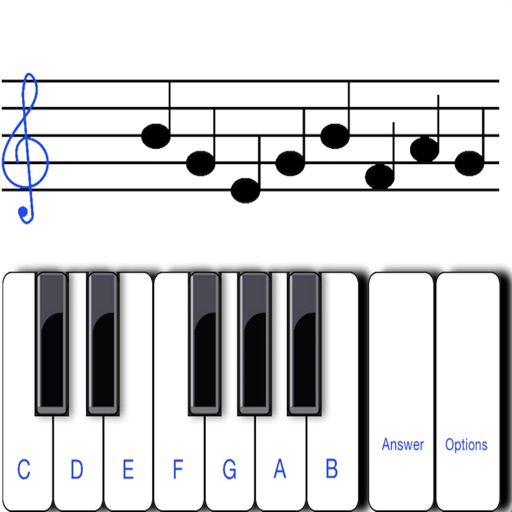
To notes in G and F clefs. Practice notes above and below the staff across six octaves. Randomly generated notes apply to any instrument. Switch clefs for varied practice. Receive feedback on missed notes. Set pace and limit octaves for beginners.
Create personalized songs using AI technology. Choose from funny or emotional styles. Compose melodies quickly with an intuitive interface. Share songs directly with friends or family.