View DWG, DXF, and MacDraft files locally without size limits. Annotate with text tools and export as PDF. Share or print documents. Collaborate with team members by viewing and annotating files directly.
by Microspot Ltd★ 0.00 ratingsGraphics & Design$29.99Data updated 2026-09-06
The app allows users to collect, collaborate, and create research from anywhere. It provides tools for searching, organizing, and sharing research, extending access to a user's EndNote library on the go.
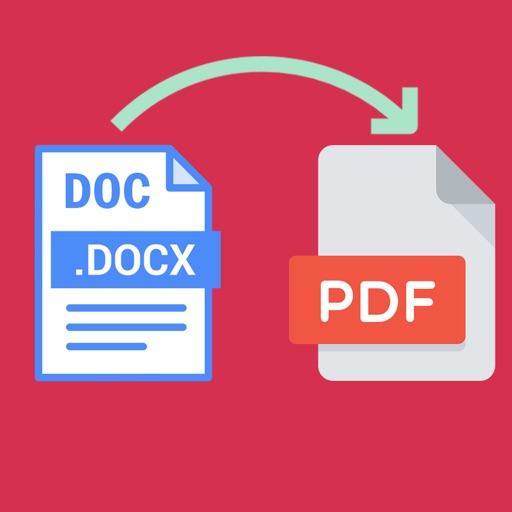
Word documents to PDF with full font support including Unicode, Indian, Arabic, Brazilian, and special fonts. Edit and view PDFs without font errors. Save and share converted files directly.
Manage documents and files with a . Create and organize folders, copy and move files between locations, delete or rename items. Access trash for recovery. View general and detailed information about files and documents.
Create, edit, and annotate PDF documents. out and add signatures. Organize files and share documents securely. Export in multiple formats and manage storage. Collaborate with others through comment features.
Write notes with a stylus pen for natural handwriting. Organize notes into categories like projects or courses. Search for notes by keywords or tags. Sync notes across devices.
Allows users to input masks and prefix lengths. It calculates network, host, and directed broadcast addresses. Features include classful and classless mode options. Includes a dedicated for easy input.
Photos and scanned documents into PDF files. Edit images with filters, crop manually or automatically, and adjust to black and white or grayscale. Share PDFs via email or other supported methods.
The app is a cross-platform note-taking application and PDF annotation tool. It allows users to sketch ideas, take notes, and annotate imported PDF documents with various pens and ink styles.
Take notes with handwriting, typing, or PDF annotations. Use customizable covers and templates. Choose from 10+ pens and brushes. Adjust pen thickness and color. Draw shapes and lines. Export notes in multiple formats.
Edit PDF text and images. Draw on documents with Apple Pencil. Convert images to text using OCR. Collaborate in real time. Fill and sign PDF forms. Highlight and annotate pages. Use widgets for interactive content. Export and share edited documents.
Capture high-quality scans of documents, receipts, and business cards. Crop, adjust brightness and contrast, and apply filters to scans. Save and share scanned files in multiple formats.
And PDF documents directly on mobile. Edit fields, add handwritten or typed signatures, and send documents instantly. Automatically detect fillable areas for quick completion. Share signed files via email or cloud services.
Edit and annotate PDF files. Convert scanned text and images to searchable PDFs. Listen to text with customizable voices and synchronized highlighting. Save and share annotated PDFs. Sync with other PDF apps.
Effortless PDF annotation and collaboration tools.
The app offers effortless PDF annotation with an intuitive interface. It provides fast document review using a thumbnail sidebar and supports sharing annotations with other users.