Convert 2D images or sketches into detailed 3D avatars using AI technology. Manipulate facial features, apply realistic textures, and animate expressions. Export and share the final 3D model in various formats.
by Yosun Chang★ 1.01 ratingsEntertainmentFreeData updated 2026-09-06
Convert photos to pencil sketches with adjustable effects including ink, outline, stony, charcoal, and cartoon styles. Support black and white and color pencil painting. Apply stylization, high contrast, and other advanced editing tools.
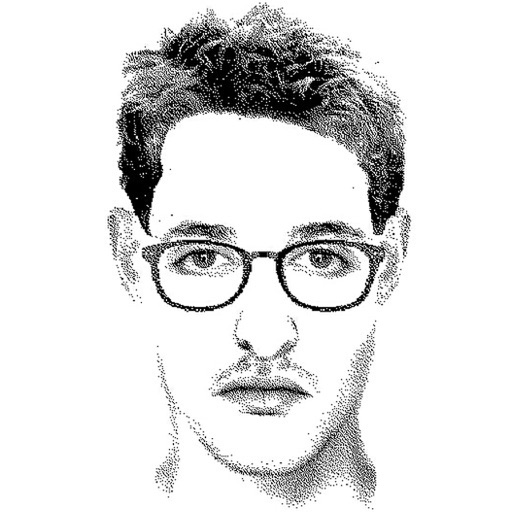
Create detailed facial sketches by customizing elements like eyes, nose, mouth, hair, and glasses. Move and resize features freely. Save, load, and export sketches as JPEG images.
Convert photos to sketches and styles with AI-powered tools. Adjust line thickness, contrast, and color tones. Save and share edited images directly. Apply filters and export in various formats.
Create sketches from photos or camera captures with "," "Doodle," and "Hatch" styles. Adjust colors for black-white or vibrant results. Save images with a single tap. Share generated sketches directly.
Design avatars with customizable clothing and skins. Create and style outfits using a visual editor. Import and apply designs to avatars. Export creations for use in games. Adjust colors, patterns, and accessories. Save and share custom designs.
Customize an appearance by selecting and modifying various features such as hair, clothing, and facial attributes. Choose from multiple styling options to create unique outfits and appearances. Save and review changes to preview the final look.
Create personalized stickers and custom avatars using facial features and expressions. Upload photos to generate unique avatars. Share stickers directly with friends or social media platforms.
Create anime-style cartoon avatars with customizable features. Choose from hundreds of options to personalize characters. Add accessories, expressions, and backgrounds. Export images for social media sharing.
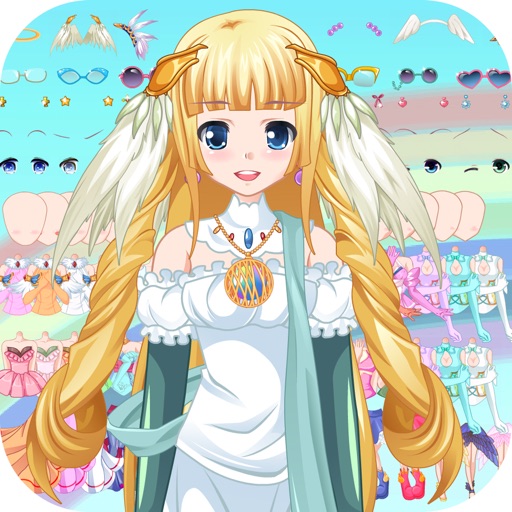
Create customizable anime-style avatars by mixing and matching clothing items. Add emotion bubbles to express feelings. Share avatars on social media. Use as an avatar for personal and social interactions.
Create custom emojis by merging existing ones or combining with personal photos. Design unique reactions and memes. Save and share creations directly within the .
Shapes by connecting points with a line. Measure the length of the drawn shape and close it to reveal the outline. Adjust the line to fit the shape accurately for higher scores. Play anytime and track progress through multiple shapes.
Turn photos into realistic with advanced filtering and detailing tools. Create unlimited and save high-resolution versions. Capture photos directly within the for immediate creation.
Create artwork using vibrant neon colors and glowing brushes. Draw on a large canvas with sketch tools. Adjust effects and export designs in various formats.
Convert photos to colored or black and white sketches using 7 available effects. Choose a photo from the library or take a new one. Apply a effect and save the result to the device. No internet connection is required.
Create pencil sketches, oil paintings, and other artistic effects from photos. Choose from 13 styles including watercolor and comic black and white. Adjust colors and resize images. Export edited photos.
Convert photos into portraits using AI technology. Edit and customize images. Share creations on social media or use as digital invitations. Add text and stickers to images. Export in various formats.
Convert photos into cartoons, anime, or artistic styles using AI technology. Apply filters to alter appearance and style. Upload selfies or images for transformation. Share edited results directly.
Generate designs based on user descriptions using AI. Customize elements like style, symbols, and text. Export designs in various formats and share directly.
Use AR to and real-world objects. Trace or create images using augmented reality. Add layers and adjust opacity. Export drawings in various formats and share directly.