Play using physical modeling technology that generates real-time sound based on user input. Adjust bow pressure, position, and velocity for expressive performance. Use the Room Simulator "Ambiente" to create immersive acoustic environments.
Rotate cabinet effects to simulate a Leslie speaker. Adjust rotor and horn speeds independently. Mix the two components for pulsing vibrato. Apply to guitars, bass, synths, and vocals.
Adjust amp settings with two channels - Normal and Vibrato. Each channel has volume control and tone stacks for bass, middle, and treble. Use built-in spring for spacious sound. Adjust intensity for varying effects.
Create music with 7 Cubes offering customizable session settings. Use an interactive loop-machine for rhythmic patterns. Access 7 instruments with sequenced note input and effects.
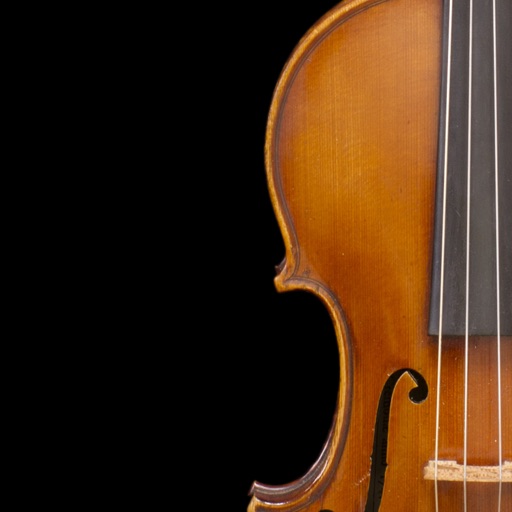
Turn iPad into a violin instrument by placing fingers on the screen to change notes. Move another hand to bow strings and shape sound in real-time. Pluck the screen to produce tones. Adjust bow pressure and position for dynamic control.
Play a traditional African musical instrument with metal tines. Pluck tines with thumbs to create melodies. Adjust pitch and volume. Save and share recordings. Learn scales and chords through built-in lessons.
The app allows users to draw sound spectra and play them simultaneously. It offers WAV export, eight timbres, and adjustable octaves from two to eight.
Play sounds with studio-quality tones. Use round robin and per-key sampling for authentic playback. Apply effects like delay, reverb, and modulation. Adjust settings for custom sound shaping. Save and share compositions directly.
Play melodic sounds using a 3-octave keyboard or MIDI controller. Access 63 tapes from Streetly's Production Masters. Control internal settings via MIDI. Record and perform with real-time adjustments. Sync with external devices for expanded control.
Allows users to create custom delay signals using three effect racks. Effects can be inserted before, during, or after the delay loop. Users adjust signal flow by selecting and arranging effect modules across the racks.