
PDF Professional Suite
Build to Connect, Inc.
Edit, convert, and organize PDF files.
The app provides a PDF editor, reader, and converter for Mac, iPhone, and iPad. It offers tools for editing, OCR, conversion, annotation, signing, and organization.
Showing 341–360 of 1,000 ranked alternatives.
Build to Connect, Inc.
Edit, convert, and organize PDF files.
The app provides a PDF editor, reader, and converter for Mac, iPhone, and iPad. It offers tools for editing, OCR, conversion, annotation, signing, and organization.

Luke Dyson
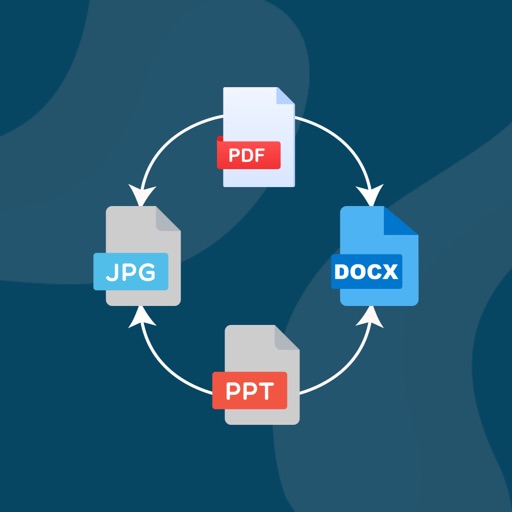
Convert files to PDF and back
Convert documents to PDF and vice versa. Support for Word, Excel, PowerPoint, images, and other formats. Convert multiple files at once. Export results in high quality. Edit and share converted files directly.


Evinco Solutions Inc.
Scan, convert, and edit documents anywhere
Scan documents to create PDF files and share them directly. Convert PDFs to Word, PPT, JPG, PNG, and other formats. Edit text with OCR, add signatures, and print or share files.
科 姚
Convert PDF to many formats.
The app converts PDF files into 16 document and image formats. It preserves original content, layouts, and formatting during conversion.


Marouane Baid
Compress files and manage archives
Compress files in various formats. Bulk compress multiple files at once. Convert files between formats. Set compression levels. Share compressed files directly. Save space on devices.


Ahmed Alafalil
Convert documents to PDF instantly
Convert documents to PDF with one tap, supporting JPEG, Word, Excel, and PowerPoint files. Scan and auto-crop documents for clear digital copies. Add e-signatures or custom watermarks to pages.


Simon Bitton
Convert documents, edit pages, merge files
Create and edit PDF documents by scanning papers or importing files. Convert photos and images to PDF. Merge or split PDFs, compress files, rotate pages, reorder, and delete pages. Export in various formats.


Eduardo Almeida
Manage PDF documents with simplicity.
The app manages PDF documents by extracting pages, merging files, converting PDFs to images, and creating new PDF documents. It offers a simple interface for reorganizing documents, combining scans, or exporting pages for sharing.


Juan Dela Cruz
Secure PDFs, set passwords, organize pages
Manage PDF files by setting passwords, merging documents, and organizing pages. Export and share files securely. Track conversion history and access editing tools for document manipulation.
Apps are ranked by functional similarity, category fit, rating confidence, and popularity.