Create and produce music with virtual instruments and effects. Add, arrange, and automate tracks. Record audio and export projects in various formats. Access a library of sounds and effects. Sync with MIDI devices and controllers.
Create and edit MIDI sequences with step sequencing. Control tempo, patterns, and effects. Transpose, manipulate, and mutate patterns. Trigger performance options via MIDI keyboard. Export and share MIDI files.
Control devices and sequences with customizable layouts. Adjust parameters in real-time. Send and receive signals. Integrate with DAWs for workflow. Manage multiple instruments and tracks. Save and load preset configurations.
Control MIDI parameters with LFOs, random generators, envelope followers, and XY pads. Modulate plugins, hardware, and instruments via MIDI CC. Create and automate modulation without drawing automation curves.
Create musical compositions using traditional notation or guitar tablature. Edit scores with touch-based interface and advanced tools. Play piano keyboard, fretboard, or drum pad. Use handwriting recognition for input. Export and share compositions.
Create and save progressions with visual feedback. Trigger chords via MIDI footswitch. Sync progressions with other apps. Learn relationships and scales. Play chords on an on-screen piano keyboard. Use pads to organize and access saved chords.
The app offers unlimited audio and MIDI tracks with a 32-bit floating point audio engine. It includes real-time time-stretching, pitch-shifting, and a studio-grade channel strip with 17 effect processors.
The app converts MIDI files into synchronized sheet music. It supports multiple clefs and offers song management features, including downloads and iCloud synchronization.
Create and edit music with virtual instruments and audio effects. Record and arrange compositions. Export tracks in various formats. Share finished songs directly. Import audio files for integration.
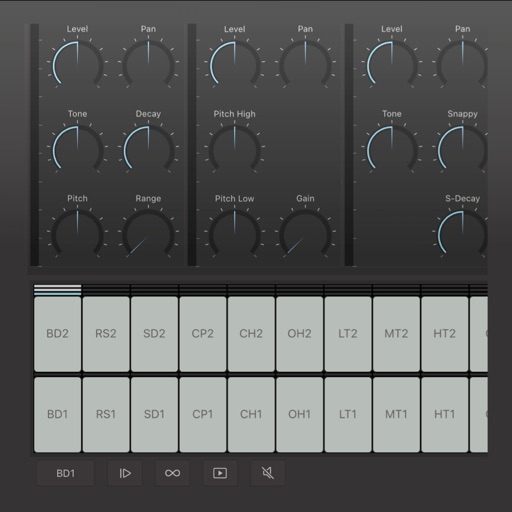
Create and edit drum patterns using 27 drum voices. Apply effects like delay, chorus, and reverb. Automate parameters and sequence 16-bar patterns. Save and load project files for later editing.