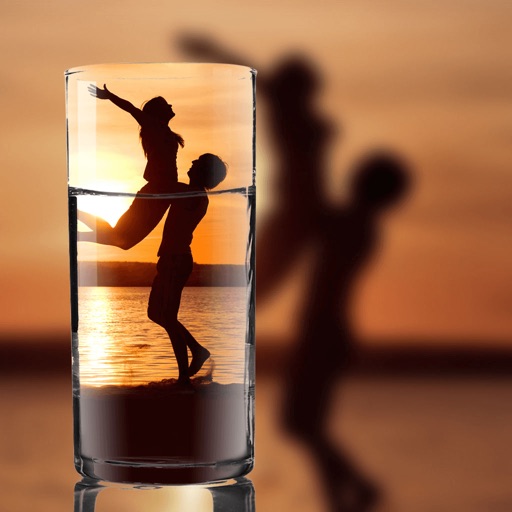
Edit photos with filters, light overlays, and aesthetic design elements. Crop, resize, and add borders or shapes. Create collages with multiple layout templates. Include stickers and share edited images on Instagram or Facebook.
Create double exposure effects by blending two images. Adjust opacity and alignment for custom overlays. Save and share edited photos directly. Access advanced editing tools with a premium subscription.
Create social media content with photo templates, text, and image selection. Design Instagram stories, Pinterest pins, and social posts. Share directly to multiple platforms without design skills.
Edit photos and videos with filters, effects, and frames. Crop, adjust brightness and contrast, and add text. Share edited content directly with friends.
Photos with clipping tools to remove backgrounds, apply predefined effects like glitch and duotone, and enhance images with magazine-level touch-ups. Add text, stickers, and unlimited undo/redo features.
Create social media posts, graphic designs, and content with pre-designed templates. Add photos, text, and animations. Generate collages for Instagram stories and collages. Export and share finished designs directly.
Create collages by combining up to 20 photos with backgrounds, stickers, and drawing tools. Apply filters, borders, and fonts to enhance images. Share collages on Facebook, Instagram, and other platforms.
Arthur Eduardo Skaetta Alvarez Desenvolvimento de Software LTDA.
Merge into one file
Merge by selecting multiple files and combining them in different formats. Sequence merge plays one after another. Grid merge displays four in a simultaneous grid layout. Parallel merge shows side by side. Export combined files and share directly.
Create collages by adding photo grids, frames, and filters. Apply effects like sepia and retro. Add stickers and text. Share collages via messengers and social networks. Edit photos with built-in frames and layouts.
Create collages in custom sizes. Choose from 300 layouts. Place images manually or automatically. Export for video, social media, or printing. Set dimensions for specific paper sizes. Share or save collages directly.
Create videos using pre-designed templates. Add clips and sync to music automatically. Export finished videos without manual editing. Choose from guided templates for professional results.
Create collages by arranging photos in various layouts and adjusting their position, angle, and size. Apply unique filters and choose from rich typography styles and text stickers.
Create collages with layouts, filters, and stickers
Create collages using 300+ layouts and customize shapes and aspect ratios. Apply 200+ filters, add stickers, HD backgrounds, text with stylish fonts, doodles, and quotes. Share collages directly to Instagram and other social media platforms.