Edit photos to closed eyes using AI technology. Change eye colors with a variety of options. Swap eyes between individuals in portraits. Adjust and enhance eye details for artistic or corrective purposes. Export edited images in standard formats.
Edit videos by adding from a catalog or personal library, adjusting volume, and trimming tracks. Include voice recordings with trimming and volume control. Add custom text with size, duration, and positioning options.
Create social media content with customizable canvas sizes and editing tools. Add text, stickers, and filters to , stories, and posts. Export and share directly to Instagram, TikTok, Snapchat, Facebook, and other platforms.
Editor lets users backgrounds, , or specific areas of images. It offers automatic , hand-drawn , face blurring, and various effects. Users can adjust intensity and apply the effect to selected regions.
Using custom transitions. Select or from the library. Apply dissolve or fade transitions between clips. Adjust volume and trim video clips. Set photo durations and choose orientation. Save to Camera Roll or share to social media directly.
Retouch portraits by smoothing skin, enhancing smiles, and removing imions. Apply filters for vintage, color toning, and film styles. Adjust color temperature and tone for precise corrections. Export edited photos directly.
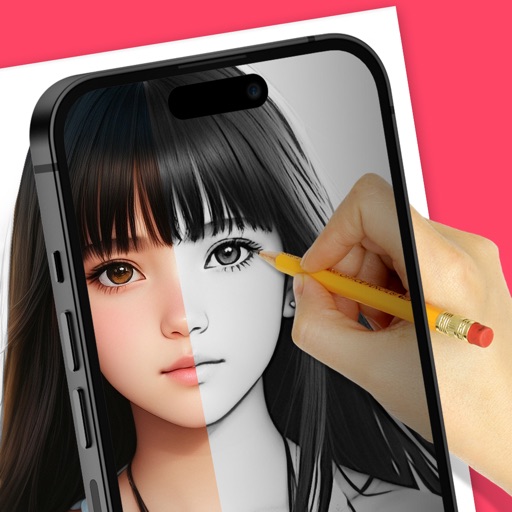
Trace images to create sketches or drawings. Adjust line thickness and brush styles. Use an eraser tool. Apply filters to images. Select from gallery or take new photos. Draw on paper with phone held 1 foot above.
Edit photos with cropping, filters, and adjustments. Add watermarks, logos, and signatures. Include text, stickers, and custom designs. Save and share edited images directly.
Organize photos into curated albums. Apply filters and frames. Add stickers and backgrounds to create custom designs. Track developmental milestones with timeline features. Access exclusive templates and weekly sticker updates with Pro subscription.
Edit photos with AI-powered removal and background erasure. Adjust colors, brightness, and contrast. Add text and stickers. Export in various formats and share directly.
Edit videos with professional effects and transitions
Create videos with customizable HD visual effects and motion graphics. Apply pre-designed transitions and filters. Add special effects and action FX to enhance visuals. Edit and export videos with high-quality output.
Create and customize patterns, wallpapers, and backgrounds using professional editing tools. Add photos with AI eraser. Access 1000+ motifs and stickers. Browse user-generated patterns. Share creations with others.
Customize and Lock Screens with themes, icons, and widgets. Add widgets for quick access to apps and information. Choose from a wide selection of wallpapers and design personalized themes.
Turns phone into a high-definition source for OBS Studio. Stream or record virtual events with live video and audio. Supports real-time input for content creation. Integrates with OBS for broadcasting and recording.
Capture photos with a retro CCD camera style. Adjust exposure, vignette, and blur effects. Use flash, countdown, and zoom features. Apply creative filters and customize the interface for a unique shooting experience.