Learn letters and shapes by touching and flicking on-screen items. Resize letters and shapes by pressing. Record custom voices for letters and shapes. Add personal images and captions. Allow children to record their own voice.
Use cards to communicate emotions and intentions. Learn vocabulary and grammar through interactive exercises. Practice with customizable sets. Track progress and receive feedback. Sync with classroom materials for consistent learning.
Record audio, transcribe notes, generate flashcards
Convert audio or video recordings into organized notes with automatic summarization. Generate flashcards for or review. Edit and organize notes, and export in various formats.
Access Wikipedia entries quickly with search and navigation tools. Browse history grouped by date. Bookmark individual sections within entries. Use a table of contents browser for context. Search with smart completion and Google integration.
The app allows users to create interactive presentations and demo videos. It offers features like freehand sketching over live video, adding pictures and shapes, and picture-in-picture recording.
The app allows users to practice tracing Hangul, including basic vowels, complex vowels, and basic consonants. Traced images can be saved to the iPhone.
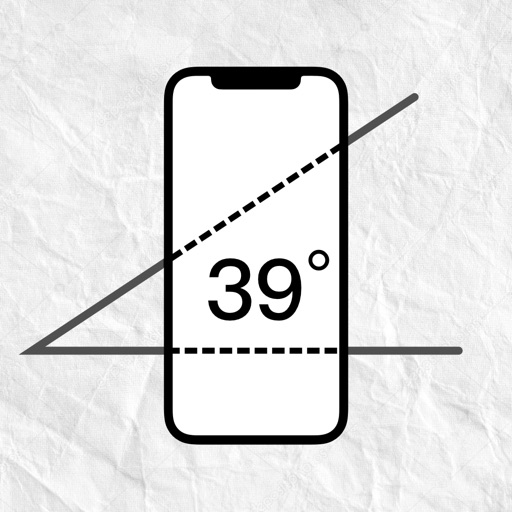
Measure angles by placing the device on the desired surface and adjusting two lines to align with the angle's sides. Display degrees in real time without needing photos or overhead placement.