Apps Like Retouch & Face editor - FaceAI for iPhone and iPad
Edit photos, enhance features, share moments
Edit photos with skin smoothing, facial reshaping, and expression adjustments. Add text overlays and filters. Export in various formats and share directly.
by Polina Kravchenko★ 4.322 ratingsPhoto & VideoFreeData updated 2026-09-06
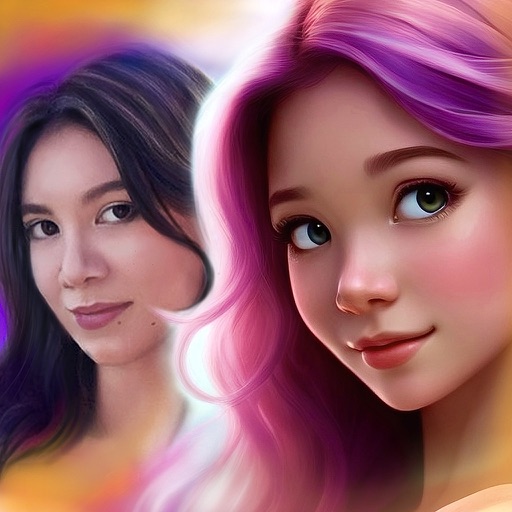
Create avatars from photos using AI. Adjust facial features and expressions. Customize outfits and accessories. Export avatars in various formats. Share creations across social media platforms.
Edit photos with , effects, focus, frames, stickers, and text. Crop, adjust orientation, enhance images with Hi-Def, Scenery, Food, Portrait, or Night modes. Apply stylized , add stickers and overlays, and remove red eye or blemishes.
Resize and crop images for specific dimensions and resolutions. Adjust colors and metadata accurately. Batch process multiple files with customizable workflows. Export in various formats for social media, printing, or projects.
Pro allows users to edit photos using AI-powered tools for skin smoothing, body reshaping, and background removal. Features include layer management, color correction, and non-destructive editing.
Resize photos to fit Instagram's format. Adjust dimensions and crop images precisely. Share edited photos directly to social media. Maintain image quality during resizing. Apply basic editing tools for optimal framing.
Enhance portraits with automated retouching tools.
The app offers automated portrait retouching with facial recognition to smooth skin and enhance features. It provides adjustable beauty modes for complexion and whitening, preserving skin texture and details.
Create collages with customizable Polaroid, SCRL-style scroll, and grid layouts. Choose from modern, vintage, minimal, and film-style . Adjust colors, borders, and text. Export with transparent backgrounds and share directly.
Add vibrant color to specific image areas using the Color Splash Effect. Adjust intensity and placement. Export edited in various formats. Share directly from the .
Create passport photos compliant with 2x2 inch requirements. Automatically resize images and remove backgrounds. Edit photos for biometric submissions in 100+ countries. Save and share edited photos for immigration applications.
Edit photos to convert them into and with adjustable contrast, brightness, and grain. Apply filters and vintage effects. Crop, rotate, and add text overlays. Save and share edited images in various formats.
Resize photos by adjusting dimensions in pixels, millimeters, centimeters, or inches. Save images in PNG or JPG formats. View side-by-side comparisons of original and resized images. Maintain quality during resizing.
Edit portraits with advanced skin retouching tools. Adjust 13 skin parameters for smooth, glowing results. Remove eye bags, crow's feet, and oils with one tap. Eliminate blemishes, freckles, and acne at the pixel level.