Learn iPhone through an interactive that mirrors key screens with quick tips and live demos. Practice adjusting brightness, sound, and haptics without affecting the real system.
Enables users to highlight mouse pointer and click actions with customizable visual effects. Adjust effect type, size, color, opacity, and blur for the pointer.
Allows secure remote access to Linux or IoT devices via SSH. Users can connect using password or key authentication. It supports multiple emulations and stores connection settings securely.
Create multimedia stories with images, text, symbols, voice, video, and drawings. Add pages to build photo albums, talking books, or task sequences. Include voice recordings and interactive elements to support communication and learning.
Create printable documents with customizable titles and content. Adjust font and margin settings. Preview documents before printing. Mark and directly from the interface.
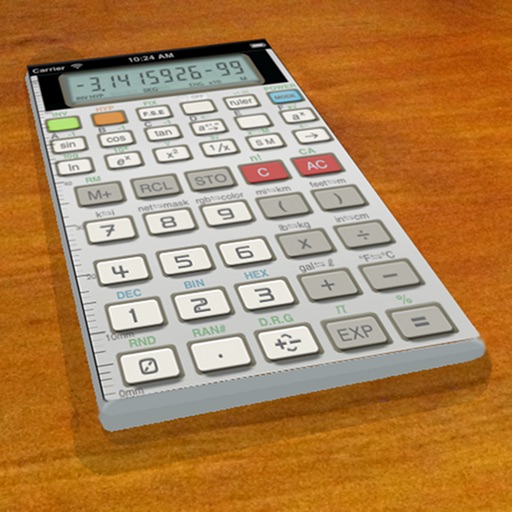
A vintage-style scientific calculator with a retro LCD display and realistic key sounds. Perform basic and advanced calculations, use shift functions, and access additional modern features like parentheses and memory storage.