Create and arrange using clip-based editing. Trigger samples and loops, record audio, and capture MIDI performances. Drag and drop clips to experiment with arrangements. Edit audio and MIDI with shaping .
Create and manipulate sound using a variety of oscillator types including analog, FM, additive, and physical modeling. Adjust waveform shapes, filter settings, and modulation parameters. Play in monophonic or 8-voice polyphonic mode.
The app is a beat making instrument for creating EDM music. It allows users to create melodies by mixing synths with pads and playing chords and drums simultaneously.
Stream classic rock playlists featuring artists like the Stones, Beatles, Nirvana, and Pearl Jam. Adjust volume, skip tracks, and save favorites. Access station-specific content and schedule playback.
Create and manipulate complex sounds using a vintage synthesizer interface. Adjust filters, envelopes, and oscillators. Control via MIDI, MPE, and Ableton Link. Export audio files and integrate with AUv3 plugins.
Create and edit progressions with inversions, sus2, sus4, 7th, and 9th chords. Play chords as piano or synth or send MIDI to macOS. Use phone as MIDI keyboard for macOS. Practice reading musical notation.
The app teaches users to play drums with a LearnNPlay feature that lights up drums when hit correctly. It offers multiple drum types, high fidelity sounds, and colorful graphics for a realistic percussion experience.
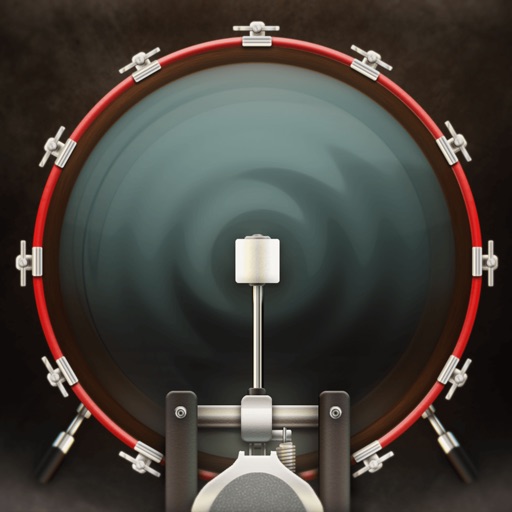
The app provides a stereo drum kit for live performances. Users can play the kick drum with their foot using a second iOS device and standard Bluetooth.
The app offers multi-purpose stereo shaping for Audiobus and Inter-app Audio. It allows users to create wide stereo images, "stereoize" mono sources, and apply mid/side processing with independent filters per channel.
Create custom jam tracks by selecting chords, tempo, and style. Generate random chord sequences for immediate playback. Choose from a wide range of musical genres including rock, blues, jazz, metal, pop, and country.