Apps Like Blur Photo - Effect Editor for iPhone and iPad
Photos, edit details, apply effects
Edit photos with motion , bokeh lens, and mosaic effects. Adjust brightness, contrast, and color. Crop images to various sizes. Share edited photos directly. Apply to the entire image, background, or specific faces.
by Appenvision Ltd★ 4.3181 ratingsUtilitiesFreeData updated 2026-09-06
Edit photos to remove blur and sharpen details. Adjust brightness, contrast, and color balance. Enhance overall image quality and export edited photos.
Edit photos by applying 40+ overlay effects and adjusting transparency. Add light effects for enhanced visuals. Save edited photos and share them directly.
The app offers photo editing with 70 stylish bokeh filters. Users can adjust brightness, transparency, and apply effects to images from the camera or album.
The app provides tools for photo editing and stop-motion video creation. Users can capture or load photos, apply effects, and arrange them to build stop-motion and time-lapse videos.
Edit photos and videos with AI-powered tools to change faces, hairstyles, and body shapes. Create cinematic video and fantasy avatars. Retouch images and apply . Share edited content directly.
Edit photos with , , and collage tools. Create montages and custom collages. Adjust brightness, contrast, and saturation. Add text and stickers. Share edited images directly.
Take with customizable filters for character, scene, mood, scenery, food, and black and white. Add handwritten signatures for personalization. Apply blur and dark angle effects. Share directly to social networks.
Edit photos using over 300 effects and 50 filters. Apply bokeh and styles with one tap. Share edited photos to social media platforms. Adjust brightness, contrast, and saturation. Crop and rotate images. Export in various formats.
Edit photos using presets, crop, straighten, adjust exposure, saturation, brightness, contrast, and shadows. Apply textures to enhance images. Save and share edited photos directly.
Edit images to remove backgrounds using AI. Cut out objects and replace them with new backgrounds. Adjust edges for smooth transitions. Share edited images directly.
Edit photos with skin smoothing, whitening, and acne removal tools. Apply blur and adjust face contours. Access dozens of drip with customizable backgrounds and colors. Share edited images directly.
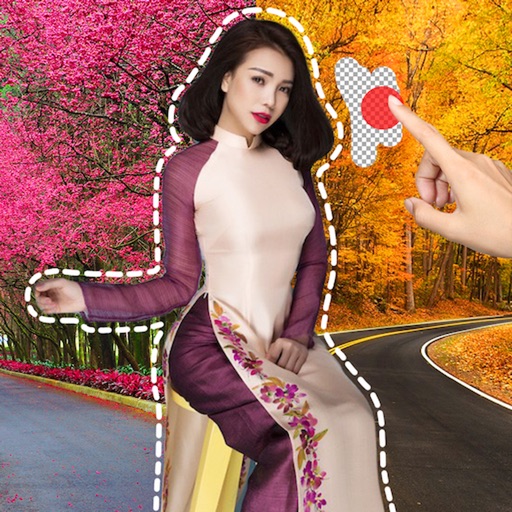
Remove image backgrounds using AI for transparent effects. Edit photos by cutting specific areas manually. Add new backgrounds, text, and stickers. Create profile pictures with customizable options.
Remove unwanted parts of photos using AI-powered erasing. Add colors or images to create new backgrounds. Crop, draw over, and undo edits. Zoom for precision and blur edges. Save and share edited photos.