Apps Like Blur Photo - Effect Editor for iPhone and iPad
Photos, edit details, apply effects
Edit photos with motion , bokeh lens, and mosaic effects. Adjust brightness, contrast, and color. Crop images to various sizes. Share edited photos directly. Apply to the entire image, background, or specific faces.
by Appenvision Ltd★ 4.3181 ratingsUtilitiesFreeData updated 2026-09-06
Combine multiple photos into a single image. Create mosaics by arranging images horizontally or vertically. Apply blur effects to individual images. up to 50 or more photos in a single layout. Share the final composition directly.
Automatically detects subjects and backgrounds to create bokeh effects. It applies Gaussian, motion, or zoom blur. Built-in filters enhance photos. No manual object selection is required.
The app allows users to create unique iPhone wallpapers by adjusting blur levels on photos. Users can save, set, and share their creations in HD through various social platforms.
The app allows users to edit photos to create fake miniatures and adjust depth of field. Users can select or take a photo and apply blur tools for smooth transitions between focused and unfocused areas.
Add crystal filters to photos and videos for a prismatic effect. Apply dreamy, mysterious looks with artistic color presets. Fine-tune media with customizable adjustments. Convert photos into animated effects. Share edited content directly.
Post photos and videos without cropping for Instagram. Add blur backgrounds automatically. Resize, rotate, and zoom content within the square. Apply effects, filters, stickers, and text. Select no layouts. Support 1080P video. Save in high quality.
Blur faces automatically using facial recognition. Add blur, solid color, or emoji to hide faces. Resize and reshape blur regions. Adjust color and effects. Share edited images to photo library and other apps.
Edit photos with background erasing and changing tools. Blur backgrounds and apply portrait beauty effects. Add realistic filters and effects with one tap. Share edited photos directly. Join a community for editing tips and feedback.
Create collages using free layouts and grids. Add stickers, text, and backgrounds. Edit photos with cropping, flipping, and layering. Save and share finished collages or stories. Generate wallpapers from edited images.
Decorate photos with festive frames and color effects. Add bokeh effects and stickers. Share edited photos directly with contacts. Apply pre-designed frames and customize colors for images.
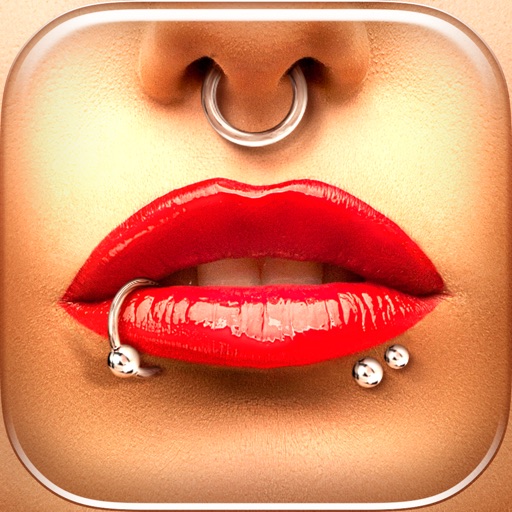
Try different styles with realistic effects. Choose from face, ear, belly, labret, teat, and nose categories. Select from over 300 objects. Adjust placement and size for custom looks. Share edited photos directly.
Edit photos with filters, effects, and tools. Crop, adjust brightness and colors. Add text and stickers. Share edited photos directly. Enhance images to appear beautiful and lively.