Clip songs to highlight favorite parts. Navigate through audio by dragging or tapping. Save for later playback. Share directly with others. Sync across devices.
Lets users upload to cloud services like Box, Dropbox, Google Drive, OneDrive, and Yandex.Disk. Connect the to access and play from those accounts. Sync across devices and manage playlists directly within the .
Play music files in formats like MP3, M4A, FLAC, and WAV. Import files directly without iTunes sync. Transfer music via local Wi-Fi. Cast to AirPlay or Google Cast. Bookmark favorite songs with the heart function. Shuffle all music.
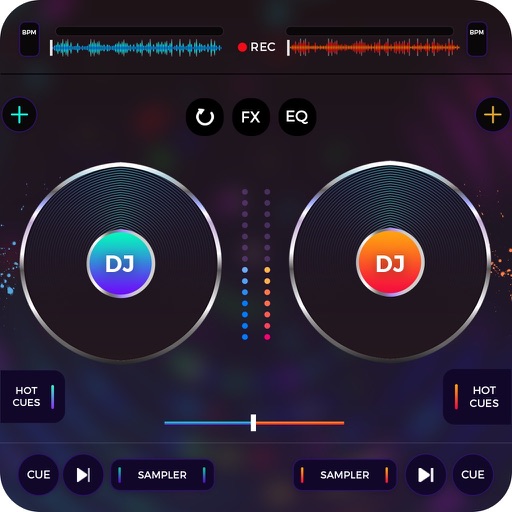
Play with DJ-style controls. Double-tap to start songs. Swipe to add or remove tracks from the playlist. Customize the main screen with a custom title. Automate voice-over announcements. Manage playlists and queue songs from a library.
Listen to Quranic recitations in MP3 format. Navigate between surahs by swiping left or right. Access a surah playlist by swiping up. Play audio offline without internet connection.
Stream via Bluetooth, AirPlay, or headset. Search for and create playlists. Shuffle playback and access unlimited library. Import and manage favorite tracks.
Download MP3 songs from URLs via copy-paste. Organize tracks into playlists and favorites. Create custom playlists. Manage downloaded library. Play songs without internet.
Create and remix using loops and tracks. Adjust tempo, pitch, and effects. Layer and blend audio clips. Save and export custom mixes. Share creations directly.
Control playback and manage playlists remotely. View song details, lyrics, and cover art. Browse and search media library. Adjust settings and access track information from an iPhone or iPod touch via WiFi.
Play from storage services including Dropbox, Box, Google Drive, OneDrive, ownCloud, and Yandex.Disk. Stream or download tracks for offline playback. Support devices like SanDisk iXpand and PowerDrive. Upload songs directly to the .