Draw dots by pressing one finger, adjusting size based on press duration. Create lines and shapes with multiple fingers. Manipulate polygons by moving vertices. Export drawings in various formats. Share creations directly.
Solve logic puzzles by painting squares based on numerical clues. Reveal hidden images by matching clue values with painted squares. Includes varying difficulty levels and artistic pixel-art results.
Create that pop with sound, float across the screen, and fall due to gravity. Draw letters, numbers, and shapes with touch input. Interact by touching to move and explore simple drawing features.
Test reflexes by shooting flashing dots in quick succession. Progress through multiple levels with increasing difficulty. Track completed levels and challenge yourself to reach higher scores.
Convert black and white images to using selective recoloring. Select photos from the gallery or capture new ones. Pan and zoom for precise editing. Resize and fit images to the screen. Use redo and undo features for error correction.
Explore a world filled with fonts by riding and jumping between them. Collect and customize typefaces. Solve puzzles to progress through levels. Unlock new fonts and design unique characters. Compete in font-based challenges.
Play short track-and-field events with tap and swipe controls. Compete in 13 like High Dive and Ski Slalom. Adjust rounds between 20-60 for quick or extended play. Retry instantly and access fast menus for seamless gameplay.
The app presents a relaxing experience combining music, art, and science. Users interact with star flow using multiple fingers to generate distinct animations and control particle behavior.
Select a random option by placing multiple fingers on the screen. The chooses one at random for decisions like game turns, prize winners, or spontaneous choices. No additional actions required beyond touching the screen.
Edit photos with auto and drawing tools. Apply 20+ effects and unique shapes. Zoom for high-resolution details. Use brush offset to avoid finger interference. Preview and adjust focus areas. Export edited images directly.
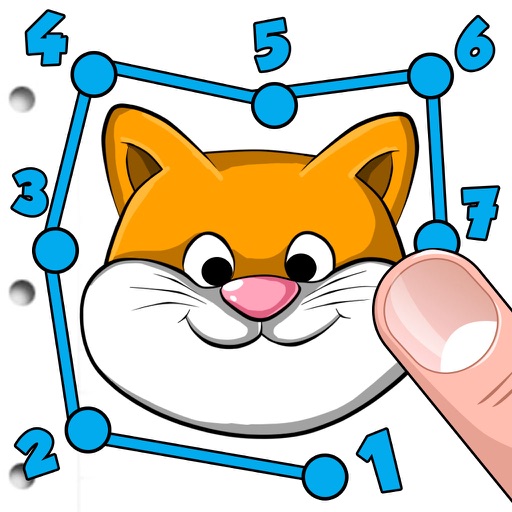
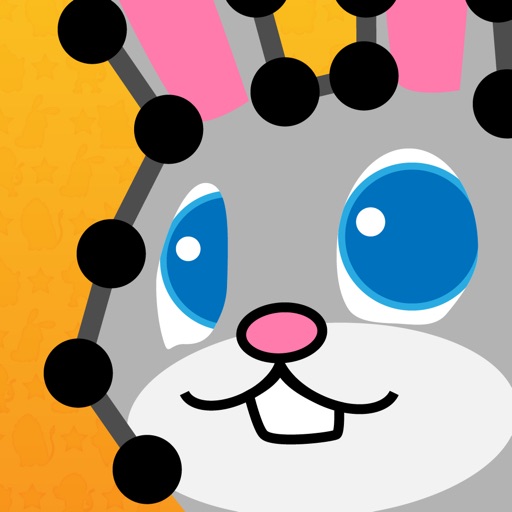
Allows children to draw lines between or letters on cute animal images. Users can complete puzzles to reveal hidden pictures. The includes educational elements that teach number recognition and sequencing.