Create custom bordered wallpapers from your photos
Create custom bordered wallpapers by importing photos from your library or selecting included images. Adjust border color, style, and opacity. Export wallpapers to your photo library and apply them to home or lock screens.
Wallpaper+ allows users to set and customize high-definition wallpapers. It offers a variety of -themed images across different styles. Users can browse and select wallpapers for their device screens.
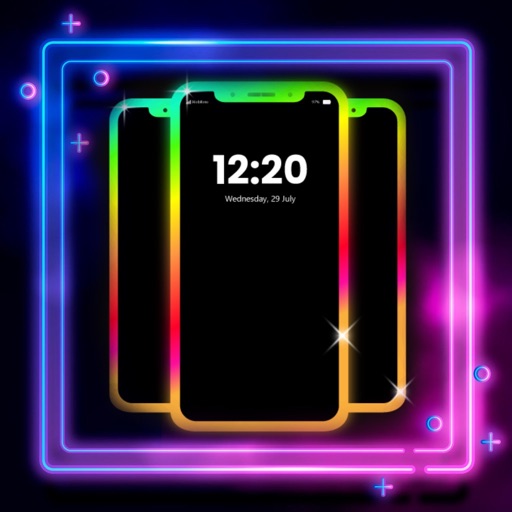
Create glowing borders around your phone's edges for both Home and Lock Screens. Customize colors, patterns, and effects. Sync with wallpapers for enhanced visual appeal.
Customize iPhone and iPad home screens and lock screens with wallpapers, widgets, and icons. Create AI-generated DIY wallpapers and apply theme-based designs. Change icons and layout in one action.
Design custom wallpapers for Home and Lock Screen with adjustable borders and nine cutout styles. Export high-quality wallpapers without ads or data collection. Upgrade to Plus for faster exports and additional features.
Create collages by combining photos and videos with over 400 layouts. Apply filters, borders, and edit images or videos. Add music to collages. Share finished projects directly.
Edit photos with ninja eyes, glowing effects, and stickers. Access anime-inspired wallpapers and live wallpapers. Share edited photos easily. Ideal for Naruto and Boruto fans.
Set kawaii wallpapers as home and lock screen backgrounds. Choose from a collection of soft, colorful designs. Customize dimensions for different screen sizes. Save and apply selected wallpapers instantly.
Browse and download high-quality . Filter by categories like nature, cityscapes, and abstract. Receive a new wallpaper daily. Organize and set directly from the . Sync with iPhone settings. No additional apps required.
Customize device appearance with iOS 16 inspired icon packs and Full HD/4K wallpapers. Personalize Home and Lock screens. Access regular updates of minimal, modern, artistic, and trending designs. Apply themes quickly for a smooth user experience.
Customize lock screen with interactive , weather, battery, and launcher options. Add dynamic island with pets and plants. Choose from 1000+ 3D space wallpapers and themes. Enable liquid glass effects and dynamic control center customization.
Customize home screen with animated artwork, 3D and depth effect wallpapers, and liquid glass themes. Apply depth effect wallpapers optimized for OS 26. Choose from various depth and glass textures. Set dynamic preferences.
Download and apply high-quality , Club, and anime-style wallpapers to home or lock screen. Filter by aesthetic, pastel, dark mode, or chibi characters. Edit wallpapers with built-in tools. Receive daily new additions.
Set device and with time-lapse sceneries, pet photos, and abstract patterns. Add animations to lock screen. Choose from curated collections and apply directly to home screen or lock screen.
Customize home screen with icons, , and widgets. Set custom icons in one tap. Add lock screen widgets and choose from wallpapers. Support 100+ apps. Use packs and for personalized style.
Customize iPhone and iPad Home and Lock Screens with , live wallpapers, and icons. Create custom wallpapers, , and . Apply coordinated instantly. Add interactive and dynamic backgrounds.
Create custom wallpapers with scaling and resizing options on various backgrounds. Choose from color, gradient, pattern, bokeh, and text effects. Apply parallax effect for all iPhone and iPad devices.
Customize iPhone home screen with , wallpapers, and themes. Choose from minimal, vintage, artistic, or seasonal designs. Apply themes to unify and background. Preview and install customizations directly.