, receipts, and notes into PDF, image, or text files. Save individual pages or create multi-page PDFs. Share scans directly or export to cloud storage. Sync with iCloud or preferred cloud services.
Scan documents, receipts, and notes with automatic edge detection and clarity enhancement. Edit text, add highlights, insert shapes, and annotate PDFs. Sign and share files directly. Read and organize PDFs with intuitive tools.
PDFs by combining multiple files into one. Split PDFs into individual pages. Compress files to reduce size. Convert PDFs to other formats. Manage documents with light and dark mode options. Securely store and share files.
Convert spoken content from YouTube videos or voice recordings into readable notes. Transcribe audio with accurate speech recognition. Save and organize notes for quick access. Export notes in text format.
Smart audio recording converts lectures, meetings, and voice memos into text with high accuracy. AI organizes content into structured notes with headings, bullet points, and summaries.
Convert photos to professional PDF documents with two taps. Batch process multiple images at once. Work offline without internet connection. No ads or subscriptions. Export and share PDFs directly.
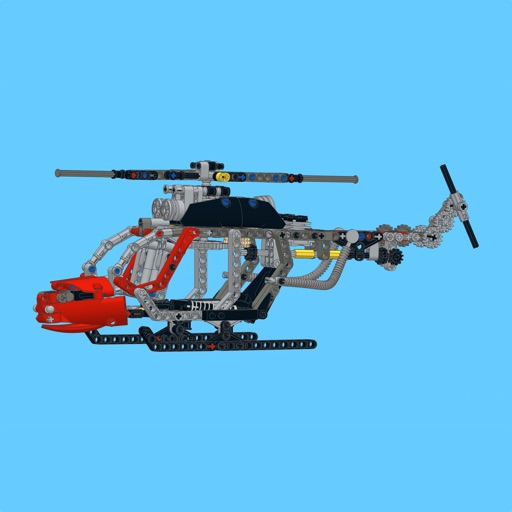
Build a using detailed step-by-step guides, part lists, and large images. Highlight new parts with a button. Follow similar to official manuals. Share feedback to help improve future MOCs.
Generate quizzes and flashcards from documents like PDFs, photos, and URLs. Convert study materials into interactive learning tools. Create AI study notes and transform text into engaging content for faster learning.
Read allows users to save articles for reading. Highlight text with color codes and add notes to highlights. Switch between light and dark themes for reading comfort.
Manage and edit documents by merging, splitting, converting, and extracting text from PDFs, images, and Word files. Create single PDFs from multiple files, organize documents, and convert between formats. Extract text for editing or sharing.