Digital displays time with customizable skins and color options. Features include effects, white noise sounds, and hourly chimes. Users can set timers, countdowns, and customize background.
Set alarms for minyan and . Choose or record custom ringtone sounds. Test notifications to confirm setup. Enable repeat alarms and remove ads for a premium experience.
Set alarms with customizable sounds including melodies, nature tones, and energetic beats. Adjust volume and repeat settings. Snooze multiple times with adjustable intervals. View a digital face with time, date, and weather information.
Transforms device into a clock with customizable design. Tracks time in multiple formats. Sets alarms and timers. Displays weather and calendar events. Syncs with productivity tools for focused workflow.
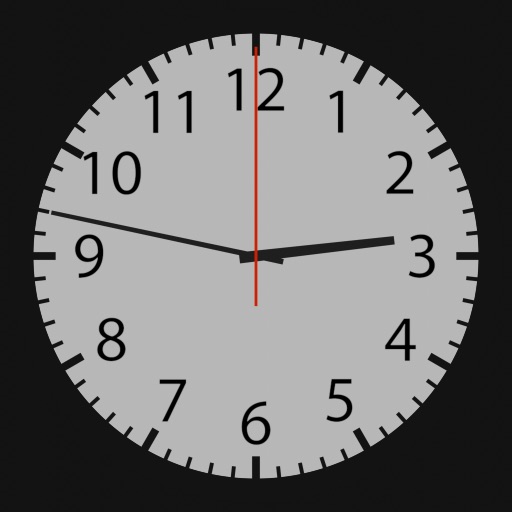
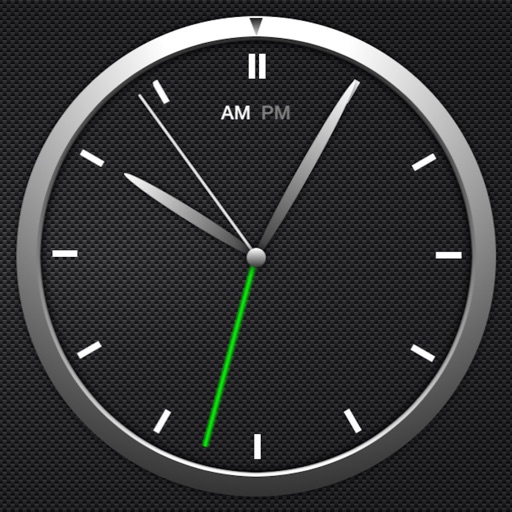
The app offers a collection of analog clocks for iOS/iPadOS devices. Users can swipe to switch clock styles, show or hide the date and seconds, and adjust brightness.
Trigger an alarm on iPhone, iPad, or iPod to deter unauthorized access. Set alerts for public use or when device is unattended. Detect and respond to attempts to view the screen remotely.
Monitor trip data with live metrics like average speed, current speed, top speed, distance, direction, travel time, stationary time, and clock. Customize display style and speed units. Arrange metrics on screen.
The app allows users to add custom widgets to their device's Home screen and Today view. Each clock widget displays one to six clocks, showing current time or specific timezones.
Challenge requires users to complete a challenge like math problems, mazes, or memory tasks to disable the . It offers no snooze option and includes bedtime reminders for sleep tracking. Users can customize sounds and set multiple alarms.
Set alarms with customizable sounds and flashlight alerts. Customize face with images and colors. Adjust brightness and use as desk or bedside . Display time in analog or digital format. Enable lock screen functionality.
Set alarms with loud, customizable ringtones to wake up quickly. Play a game to stay alert after waking. Lock the to prevent accidental reopening. Adjust volume and timer settings for personalized use.
A that remains dark except when needed. Display hides after adjustable time interval. Tap screen to view time, which disappears again after the interval. On iPhones in portrait mode, wave hand to activate time display via proximity sensor.
The app offers a simple and intuitive interface for setting alarms by moving the alarm hand. Users can choose from 8 built-in alarm sounds or play music from their library, with alarms functioning even when the app is in the background.
Set customized alarms for specific days, weekdays, or dates. Import custom sounds or record voices for ringtones. Plan and manage future alarms in a calendar view. Use a built-in timer for naps, workouts, or cooking.