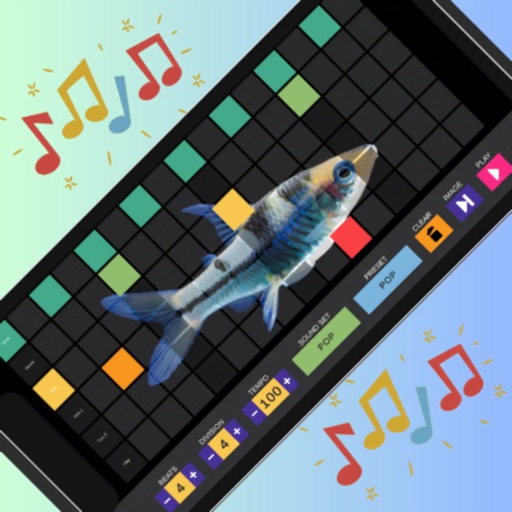
Create rhythmic patterns with adjustable groove and swing settings. Use a metronome with clave support for timing. Play looped sounds in various styles including jazz and pop. Adjust tempo and save custom grooves. No internet connection required.
Create and edit patterns using groove presets or custom beats. Play along with favorite songs via InterApp, Audiobus, Core MIDI, and clock MIDI. Share patterns through iTunes file sharing or Audio Copy.
Create and play music with a variety of vintage sounds. Record and compose tracks. Perform live with customizable patterns and effects. Export audio files and share directly.
Play musical puzzles to develop early skills. Tap notes to create melodies, match rhythms, and explore instruments. Choose from multiple difficulty levels and track progress through interactive lessons. Share creations with family via social media.
Create beats using professional studio samples and preset kits. Record and share beats with friends or the community via social media. Access tutorials and videos to learn production. Apply effects to enhance beats.
Create beats and melodies using drum kits, synths, and melodic instruments. Sample audio via phone microphone. Edit MIDI sequences and export tracks to Live. Explore sound libraries and experiment with effects. Save and share musical ideas directly.
Create and customize basslines with a synthesizer and drum machine. Adjust waveform shapes, filter settings, and envelope parameters. Sequence rhythms with step editors and pattern loops. Export audio files and share directly.
Create beats using 154 drum kits. Adjust tempo and rhythm patterns. Customize sounds with effects. Save and export loops. Share creations via social media. Sync with other devices for collaborative projects.
Create music by using nine animals as instruments. Set up drum loops, swipe to change instruments, compose melodies, adjust loop speeds, and add effects. Animations respond to user actions and enhance the musical experience.