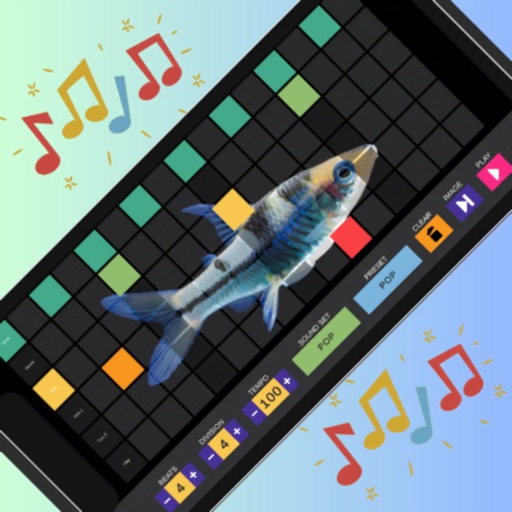
Create beats using pads with preloaded soundboards and high-quality samples. Access tutorials for learning music production. Mix and remix tracks on the go. Export and share created beats. Sync with other music apps for collaboration.
The app teaches users to play drums with a LearnNPlay feature that lights up drums when hit correctly. It offers multiple drum types, high fidelity sounds, and colorful graphics for a realistic percussion experience.
Create and arrange using clip-based editing. Trigger samples and loops, record audio, and capture MIDI performances. Drag and drop clips to experiment with arrangements. Edit audio and MIDI with shaping .
The app provides a single tap beat machine with looping natural PowWow drum samples. The sounds are designed to align the user's mind, body, and spirit, inducing a trance-like meditation.
Create and manage drum kits by importing professionally recorded samples. Trigger samples via MIDI or built-in pattern editor. Sync tempo with DAW. Edit and sequence drum patterns. Build and organize custom drum kits.
The app provides multimedia tutorials for guitar, piano, bass, and drums. Users can download their own courses and tutorials for learning musical instruments.