Measure wheel camber using the iPhone's camera. Place the device on the centerlock for accurate readings. Display measurements in degrees. Save and share results.
by Ripple Motion★ 0.00 ratingsUtilities$8.99Data updated 2026-09-06
Take photos of objects to estimate their weight using AI-powered analysis. Measure items in grams without a physical . Save and compare weight data over time. Share results via email or messaging apps.
Measure surface areas by capturing points on a flat surface via camera. Calculate or object dimensions with customizable shapes. Save and share measurement results. Sync measurements across devices.
Measure real-world objects using augmented reality. Tap to start measurements, switch between length and area modes. Unlock unlimited measurements and remove ads with a subscription. Sync results across devices.
Measure distances between locations by pinning points on a map. Track real-time distance using GPS with a timer. Switch between metric and imperial units for distance measurements.
Measure horizontal floor areas in square feet or meters. Calculate vertical wall areas in square feet or meters. Determine lengths between two points. Place virtual furniture to assess space size.
Measure atmospheric in real time. Detect location automatically. Display current weather conditions and percentage. Search for cities and save favorite locations.
Turn your phone into a with precise inclination measurement. Use camera integration to measure lengths and angles. Adjust settings for different leveling tasks and save measurements for future reference.
Use device sensors to check horizontal and vertical alignment of objects. Point camera at object to detect crookedness and measure degrees. Switch to protractor mode to measure angles for precise cuts.
Measure levels using iPhone camera to calculate luminosity in Lux. Track exposure during waking hours and before bed. Help optimize sleep quality by monitoring ambient conditions.
Measure using camera overlay and CoreMotion for accurate degree and rise/run calculations. Organize measurements by job or client. Capture and annotate photos. Generate client-ready PDF reports.
Measure finger size using a paperclip and ruler. Input measurements to calculate size. Save and share results. Guide users through accurate sizing steps.
Edit vehicle maps and tuning parameters using a map editor. Switch maps via steering wheel. Enable flex fuel tuning and anti-lag. Monitor ethanol content on the RPM gauge.
Record and analyze environmental sounds using phone sensors. Detect magnetic interference and trigger synthesized audio from radio streams. Create and save audio clips for paranormal investigation or creative projects.
Measure ambient noise levels with an AI-powered noise meter that identifies noise types. Get accurate pressure readings and view audio waveforms. Sync data with the Health to track exposure and monitor hearing health.
Measure objects using AR technology. Tap to measure distances, heights, and angles. View real-time measurements on screen. Sync devices for consistent results. Share measurements via email or messaging. Adjust units for metric or imperial.
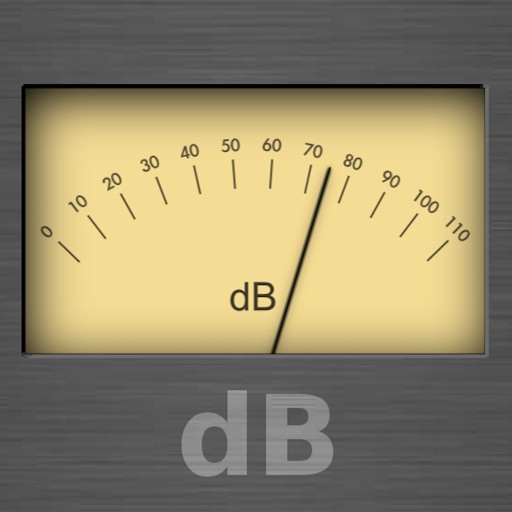
Measures environmental noise and displays decibel values in real time. Shows current noise reference and min/avg/max dB levels. Displays dB as a gauge and graph line. Saves measured records for later review.
Measure distances, heights, and areas using AR and LiDAR technology. Tap to place markers and view real-time measurements. Sync with Apple Health to track progress. Share measurements via email or messaging.
Record and display GPS-based measurements with a map line. Share results on social media. Obtain current location via GPS. Option to minimize battery use without GPS. Does not run in the background.