

Apps Like AI Remove Objects & background for iPhone and iPad
AI Remove Objects & background screenshots
Ranked alternatives
Showing 341–360 of 1,000 ranked alternatives.


Tattoo Design Creator・Tiny INK
KOSMOSHARK OOO
Add tattoos to your photos and images
Add tattoos to photos using pre-designed elements like lines, lettering, hieroglyphs, animals, and flowers. Customize tattoos with editing tools to adjust size, position, and style. Create tattoos from personal images and export edited photos.

PNG to SVG: Vector Converter
Ethisham Niazi
Convert images to SVG instantly
Convert raster images (JPEG or PNG) to high-quality (SVG) format. Choose between Two-Tone for contrast or Colorful for vibrant output. Adjust settings for precise control. Export as SVG for use in design projects.




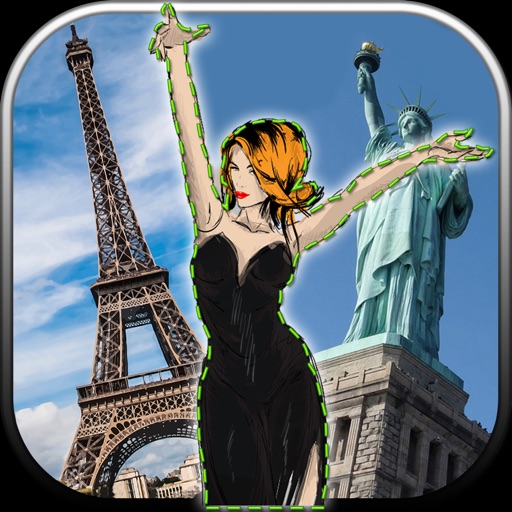
Photo Background Eraser – Remove, Replace & Blend
Vladimir Djordjevic
Edit photos, remove backgrounds, images
Edit photos by removing unwanted backgrounds and replacing them with scenic images. Cut out subjects and paste them onto new backgrounds. images for seamless montages. Share edited photos directly.



AI Remove: Object Eraser
VATARAS OU
Edit photos and remove unwanted elements
Edit photos by removing objects, people, blemishes, and watermarks using AI-powered tools. Erase unwanted elements with simple taps and swipes. Retouch imions and eliminate logos, signs, and distractions from images.


PikLab Photo Editor : Collage Maker Filters Effect
Benyapa Nasusin
Edit photos, add effects, remove blemishes
Edit photos with enhancement tools, effects, and frames. Add stickers and overlays. Crop, rotate, and adjust brightness, contrast, and saturation. Remove blemishes and red eye. Apply color splash and sharpen or blur images.
How we rank alternatives
Apps are ranked by functional similarity, category fit, rating confidence, and popularity.