Enhance photos with AI-powered upscaling and clarity improvements. Fix blur, sharpen details, and colorize images. Restore old photos and upscale to HD. Export enhanced images in various formats.
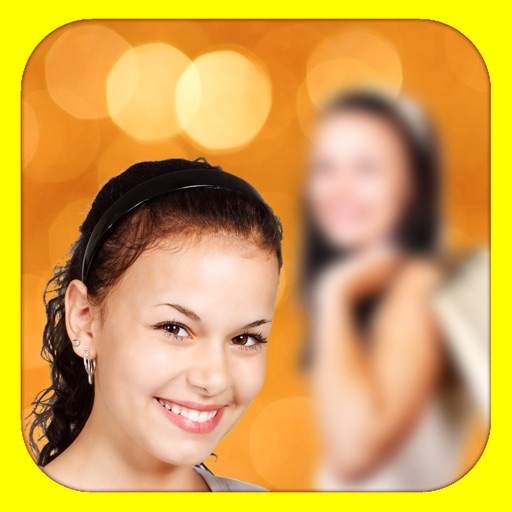
Edit photos by blurring backgrounds, faces, or specific subjects. Apply various effects and filters. Save edited images to the camera roll or share them directly.
Enhance photos with one-tap adjustments for Hi-Def, Scenery, Food, Portrait, and Night modes. Blur or whiten specific areas by dragging. Remove red-eye with a single tap. Export edited images in standard formats.
Enhance image quality by unblurring and sharpening photos, reducing noise, and upsizing for clarity. Improve video clarity with noise reduction and motion smoothing. Sharpen PDF text and lines for better readability.
Remove unwanted backgrounds and create precise photo cutouts using the Pen Selection Tool. Edit images with advanced selection features. Export edited photos in high quality. Sync with desktop software for professional workflows.
Control for alpha and Cyber-shot devices. Adjust exposure using RGB, histogram, and zebras. Browse and filter photos. Download images directly. Set aspect ratios and grid overlays for composition. Connect via wireless or USB cable.
Create collages using over 50 templates. Customize layouts, add text, and include photos or videos. images with filters, cropping, and manual adjustments. Shoot photos with manual camera controls. Export and share edited content in various formats.
Edit photos with auto enhance, wrinkle removal, skin smoothing, and blemish removal. Whitening teeth and removing red eye. Adjust color, sharpness, and apply color splash. Add background music and record voiceovers.
Learn fundamentals including physics and device operation. Follow step-by-step guides for vascular access and emergency protocols like eFAST and BLUE. Access diagnostic tools for heart, lungs, abdomen, brain, and vessels.