Apps Like Pocket Laser Level 360 for iPhone and iPad
Point device to measure angles and levels
Use device sensors to check horizontal and vertical alignment of objects. Point camera at object to detect crookedness and measure degrees. Switch to protractor mode to measure angles for precise cuts.
by Nikita Chizhov★ 4.6244 ratingsUtilitiesFreeData updated 2026-09-06
The app simulates a tool to measure levels on an iPhone or iPod Touch. It measures vertical, horizontal, and 45-degree angles with an optional sound warning for horizontal plane measurements under one degree.
The app offers tools for measuring length, angles, and sound levels. It includes features for unit conversion, network speed testing, and a flashlight.
Calculate using coordinates with options for square meters, feet, acres, hectares, kilometers, and miles. Measure distance between points. Premium users can save areas, add notes, attach images, and calculate prices based on values.
Calculates distances between map points and areas of non-overlapping polygons. Users can switch between metric and imperial units. Coordinates are displayed in decimal or degrees, minutes, and seconds.
Track using augmented reality to locate them in real time. Check visibility angles and determine if satellites are above 35 degrees. View details on 5G satellites and upcoming launches.
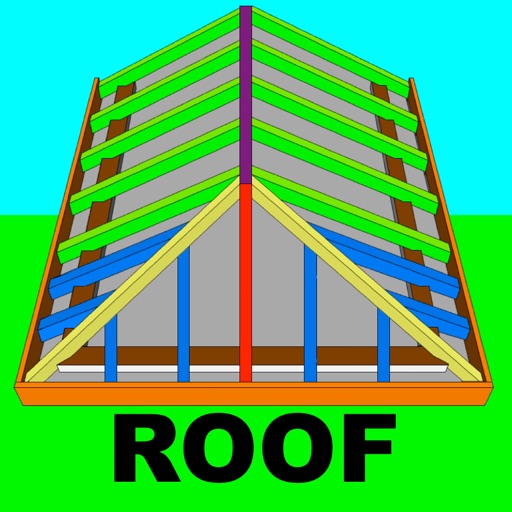
Calculate rafter, hip, and jack rafter lengths with precise angle cuts and birdsmouth dimensions. Input roof dimensions for instant results. Guide users in cutting roof components accurately without trial and error.
Detect cameras and listening devices in any space using a security scanner. Scan objects like remotes, TVs, and backpacks for suspicious items. Follow step-by-step guides for thorough checks. Enable night vision mode for low-light detection.
Calculate bullet trajectories using a Modified Point Mass Solution with 4 Degrees Of Freedom. Input ballistic coefficients or drag coefficients from Doppler radar analysis. Adjust for wind, elevation, and distance.
Measure angles in degrees, dimensions, or blocks for leveling a . Confirm status in all directions. Set and remember custom offsets for intentional angles. Compensate for device covers or camera protrusions.
Measure objects using screen size, augmented reality, or printed rulers. Place virtual on surfaces with ARKit. Print rulers via AirPrint. Compare printed results with on-screen measurements. No ads, in- purchases, or tracking.