The app allows users to blur or pixelate photo areas by tracing with a finger. It offers various mosaic types, thickness grades, and automatic blurring for license plates and faces.
Edit photos with and mosaic effects. Apply 15 types of or mosaic filters. Adjust color to create soft or colorful images. Save and share edited photos directly.
Edit photos with finger-tracing and mosaic effects. Apply multiple layers of and mosaic styles. Crop processed images to custom sizes. Export edited photos in various formats.
Create animated avatars using a library of customizable characters. Use your camera to control the in photos and videos. Share the content on social media and messaging apps.
The app transforms words into photo text designs using exclusive Typomatic and Genie features. It offers hand-picked font and layout combinations for creating social media posts, quotes, and graphics.
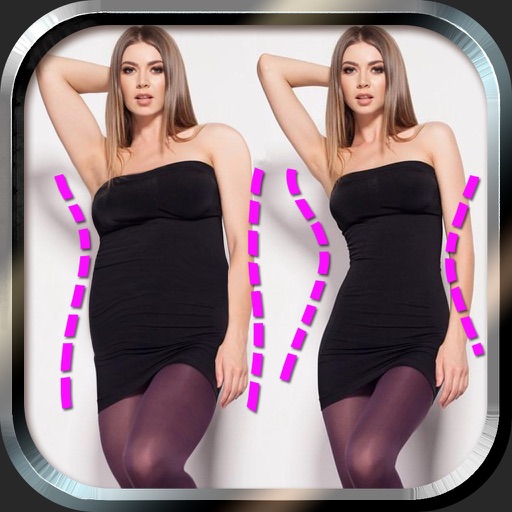
Edit photos to and body using auto-detection. Adjust and body thickness with sliders. manual edits and undo changes. Compare original and edited images. Save results to albums and share via email or social media.
Edit photos and videos by automatically recognizing and processing backgrounds. Choose from four recognition methods including transparency, blur, and replacement. Process only the subject or apply effects like fluffy, mosaic, monochrome, or sepia.
Edit photos with eye and pupil templates. Adjust eye size and remove red eye. Experiment with contact lens effects. Automatically detect eye position. Change and fix eye lenses. Save and share edited images.
Create and style photos with single tap effects. Apply 8 filters including , Cartoon, and Dots. Share images to social media or save to photo library. Print photos directly.
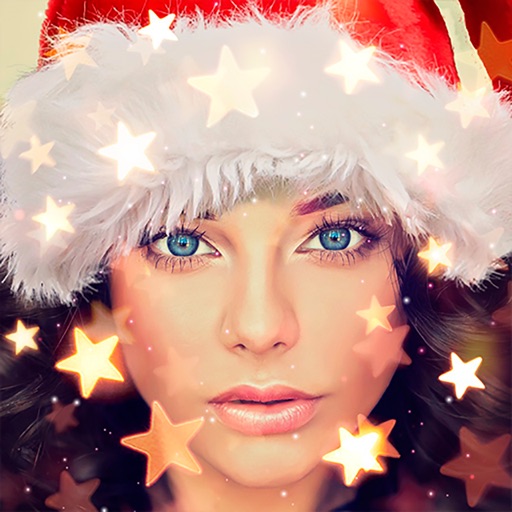
Create holiday cards by selecting from 500+ , filters, and effects. Choose photos from your gallery or camera, add custom text, and share the finished card. Include festive elements like a fluffy Red Santa for fun.
Edit photos with background blur, skin smoothing, and artistic filters. Remove distractions and enhance details. Add text and stickers. Share directly to social media or save in high-quality formats.
Customize screens with themes, icons, and widgets. Add iOS 16 widgets for real-time data. Change wallpapers and icons. Sync with iOS 16 for updated screen designs. Organize widgets into folders. Apply aesthetic themes to enhance visual appeal.
Create drawings and sketches on customizable canvas backgrounds. Record sessions as videos. Share creations with friends. Choose from preset color palettes for different coloring styles.
Take photos with single-tap effects and professionally designed filters. Adjust brightness and contrast. Apply blur and focus. Rotate and crop images. Export edited photos in various formats.
Edit photos with single-tap effects and professional filters. Adjust brightness and contrast. Apply blur and focus tools. Enhance portraits with specialized filters. Export edited images in various formats.
Create and customize with a variety of fonts and styles. Copy and paste styled directly into social media posts. Access exclusive design templates and effects. Share snippets with others via copy-paste functionality.