Apps Like PFP Maker Photo Editor for iPhone and iPad
Edit photos and remove backgrounds
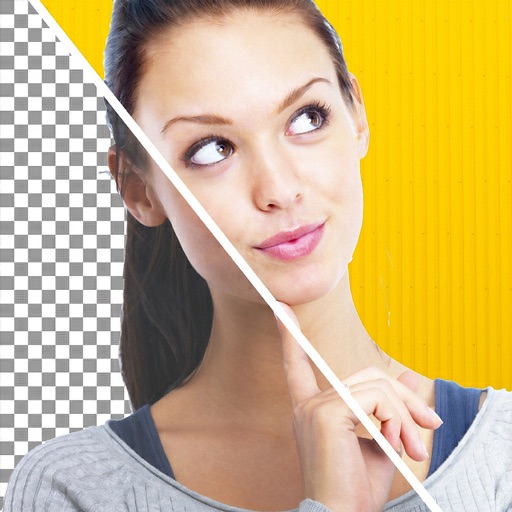
Create custom profile pictures for social networks like Instagram and Facebook. Remove image backgrounds automatically. Enhance quality and add backgrounds. Convert regular photos into professional-looking profile pictures.
by Vineeta Yadav★ 5.03 ratingsPhoto & VideoFreeData updated 2026-09-06
Create collages by arranging photos in various layouts and adjusting their position, angle, and size. Apply unique filters and choose from rich typography styles and text stickers.
Create collages by combining photos into -shaped frames. Apply filters and adjust colors. Share collages directly or save in various formats. Organize memories in a single album.
Create collages with 106 adjustable layouts and 31 irregular designs. Choose from 18 frames and 36 backgrounds. Customize borders with color and shape. Edit photos using a built-in PRO editor.
Create videos from photos or text with customizable styles and effects. Generate AI animations and headshots. Export videos for TikTok, Instagram Reels, and YouTube Shorts. Adjust settings and apply trending templates.
Generate hyper-realistic images from text prompts. Edit and enhance selfies with AI-powered tools. Create professional headshots, dating profile pictures, and fantasy scenes. Export and share final images in high resolution.
Edit photos with filters, cropping, and brightness adjustments. Add text, stickers, and drawings. Remove blemishes and whiten smiles. Create collages with multiple layout options. Export in various formats and share directly.
Create layouts using customizable templates. Arrange images in puzzle grids for consistent design. Adjust layouts for new and old post sizes. Edit and export posts directly.
Select and refine photos, outfits, and interior design options based on user input. Analyze images to suggest optimal choices for specific scenarios like dating profiles or travel outfits.
Apply -themed to images from the gallery or camera. Adjust frame size and position by rotating, scaling, zooming, or dragging. Choose from fifteen in various shapes and colors. Save edited photos to the device.
Upload photos directly to Instagram, Facebook, and other social networks without cropping. Choose a background and share instantly. Save photos to device for later sharing. Create images without resizing.