Configure products with smart setup tools. Scan products for instant access to data and accessories. Get installation guidance to avoid errors. View product specifications and compatibility details. Track progress through automated workflows.
The app allows Delaware Electric Cooperative customers to manage their accounts. Users can view usage and billing, manage payments, and contact customer service with issue notifications.
Access a personalized interface to track e-learnings, submit documents, and manage compliance for staff and contractors. Plan, initiate, and close on-site interventions. Display a digital badge for identification.
Television functions, launch apps, and navigate menus from an iPhone. Connect to the same WiFi network for instant pairing. Discover and pair with compatible TVs automatically without additional hardware.
Video entry phone system functions accessible remotely.
The app allows users to communicate with an external unit via Wi-Fi or data connection. Users can receive calls, view cameras, activate actuators, and make intercom calls.
Transfer array mechanical data from design software to a mobile device via QR code. View real-time rigging and location details. Access system-specific information for JBL VTX, VRX, and SRX900 Series setups.
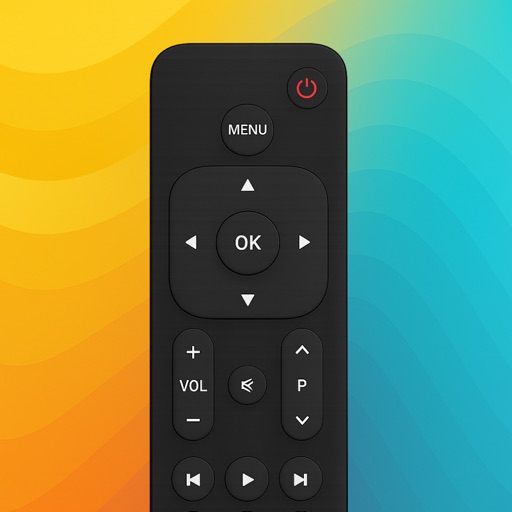
Control TV with iPhone or iPad by connecting to the same network. Automatically detect TV and navigate menus, adjust volume, and change channels using on-screen buttons. Support for features like power control and input selection.