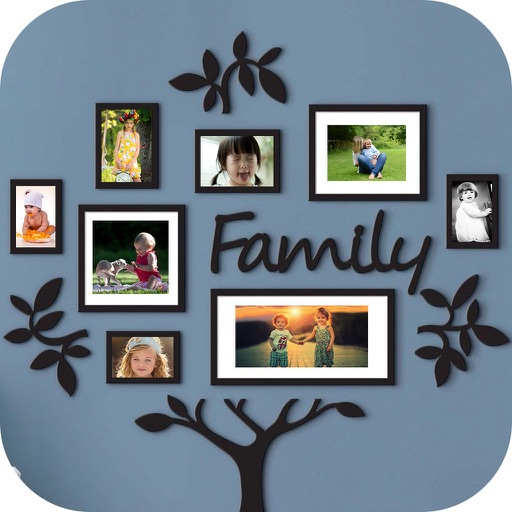
The app arranges photos, animated GIFs, Live Photos, and videos into justified layouts. Users can reshape collages, reorder media, customize borders, and edit photos before sharing or saving.
The app transforms selected photos into creative collages. Users can arrange photos on a canvas, adjust layouts, and customize individual pictures by moving or zooming.
Create posters with one click using pre-designed templates. Select photos from camera roll or albums with intelligent portrait recognition. Customize without restrictions and export final designs.
Edit photos with grid layouts, brightness, contrast, and saturation adjustments. Apply filters to enhance images. Create collages with multiple layout options. Export edited photos in various formats.
Create collages and cards for occasions like birthdays and holidays. Choose from customizable layouts, backgrounds, and stickers. Apply filters. Add photos to designs and export for sharing. Purchase additional layouts and content packs.
Edit photos with filters, filter mix, and creative shape effects. Apply mirror and mask tools. Create photos without cropping. Design grids and add funimate effects. Share directly to Instagram.
Create visually appealing social media content with customizable and design tools. Add text, images, and effects to stories and posts. Export and share directly to social platforms.
Create social media content with customizable canvas sizes and editing tools. Add text, stickers, and filters to , stories, and posts. Export and share directly to Instagram, TikTok, Snapchat, Facebook, and other platforms.
The app provides layouts, backgrounds, and frames for designing photo collages. Users can select templates, upload photos, and adjust them with effects, resizing, or rotation.
Create collages by combining pictures, videos, or a mix of both. Choose between sequential or delayed video playback. Use built-in layouts or design custom ones. Select from 1:1, 9:16, 3:4 ratios or set custom proportions.