Enlarge and share Instagram pictures with higher quality. Save larger versions for social media sharing. Integrate with Facebook for updates. Adjust image size and format for different platforms.
Upload text or media including up to four images or a video. Create board posts and share them with others. Posts are moderated by community members who apply for approval. Users must follow rules to avoid account restrictions or bans.
Display photos from device storage, iCloud, Facebook, Flickr, Instagram, Google Photos, and Dropbox. Show all photos or specific albums. Customize frame layout and transition effects. Share photos via social media or email.
Repost photos to Instagram with captions and watermarks. Generate hashtags using AI. Save and organize links. Create QR codes for quick sharing. Preview and edit content before posting.
Connect with others through open discussions on debatable topics. Shadow users to follow their activity without public visibility. Block or report users instantly. View detailed profiles and interact through comments and messages.
Create before-after images by selecting two photos. Automatically arrange them in the layout. Add custom text or image . Apply censor-bars to protect privacy. Include borders and business . Share the final image directly.
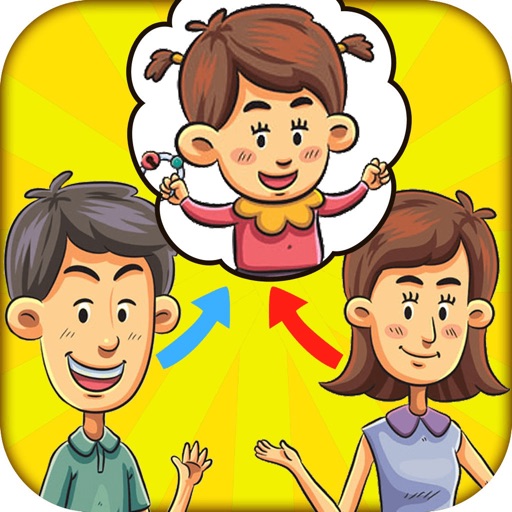
Create a image from two parent photos using facial feature recognition and digital image processing. Select and adjust parent images, generate the image, and save or share it.
Generate captions for social media posts using AI. Input photos or text to receive creative and engaging suggestions. Customize captions for different platforms. Share generated captions directly to social media accounts.
The app allows users to add text and effects to images for social media sharing. It offers an intuitive interface for creating watermarks, greeting cards, and graphics with various text manipulation options and image filters.