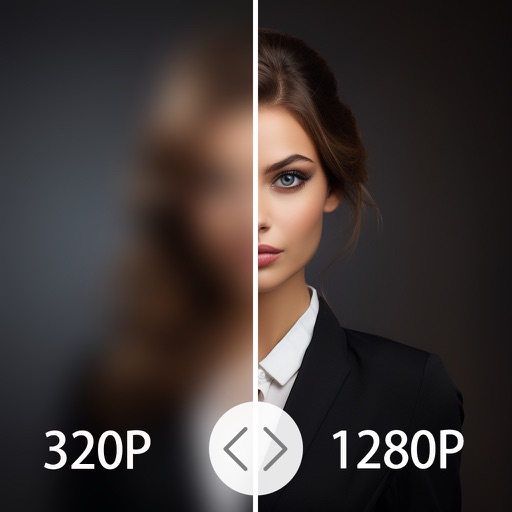
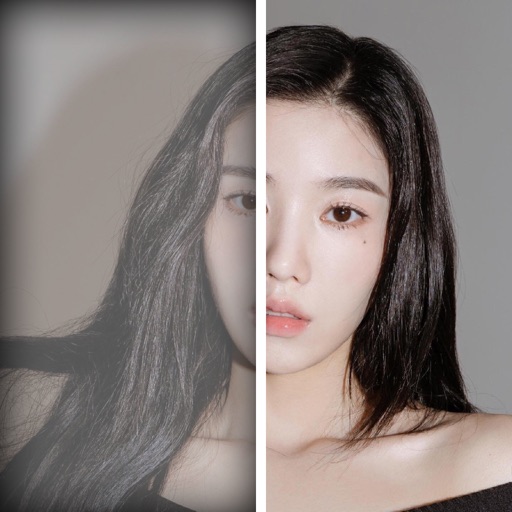
Edit photos with AI enhancement, colorization, and background removal. Create AI avatars and repair old or blurry images. Export in various formats and share directly.
by Arda Sen★ 4.639 ratingsPhoto & VideoFreeData updated 2026-09-06
Enhance quality with advanced algorithms to sharpen and clarify images. Adjust colors and brightness. Apply filters and effects. Edit multiple photos in batches. Share edited photos directly to social media.
Enhance low-quality photos with AI-powered upscaling. Adjust clarity, brightness, and color. Remove blur and noise. Export enhanced images in high resolution. Share results directly or save to gallery.
Edit photos and videos with AI-powered tools like face enhancement, makeup application, and background removal. Apply cartoon filters, stickers, and thousands of effects. Capture selfies with AI auto-beautification. Share edited content directly.
Photos and videos using AI to expand images, remove objects, and replace or blur backgrounds. Enhance image quality, restore old photos, and create AI-generated scenes. Share edited content directly to Instagram.
Enhance low-resolution photos with AI upscaling. Remove blur and noise for sharper details. Adjust brightness, contrast, and color. Save and share improved images in HD format. Restore vintage photos to high-definition quality.
Enhance quality by unblurring, restoring clarity, and fixing low-resolution images. Create AI-generated avatars from selfies. Apply artistic filters and adjust colors. Export edited photos in various formats and share directly.
Enhance photos with AI-based clarity and detail. Remove blur and improve lighting. Edit vintage photos for modern clarity. Share enhanced images directly. Apply filters and adjust colors. Export in high-definition formats.
AI Photo improves blurry, old, or low-quality images using AI to remove blur and enhance details. Image restoration tools repair damaged photos. Facial analysis evaluates beauty with accuracy. Users can adjust brightness, contrast, and color.
4x enhances image resolution by 200%, 400%, or 800%. It restores low-resolution faces using Face AI technology. It preserves details while enlarging images. Users can upload photos and apply restoration features.
Enhance photos by removing blur, restoring details, and improving clarity. Adjust brightness, contrast, and color. Save and share edited images. Supports batch processing and integrates with cloud storage.
Edit photos with cartoon-style anime filters and portrait transformations. Colorize black-and-white images using AI. Remove or replace backgrounds with one tap. Enhance skin tone and texture with AI-powered retouching.
AI improves quality, fixes lighting, and sharpens details. AI Unblur converts pixelated or blurry images into clear high-resolution photos. Users can upload photos and apply AI-powered enhancements to restore old memories or refine portraits.
Edit photos with AI-powered tools like face swap, background removal, and object removal. Enhance image quality with the quality enhancer. Convert images to video. Use the AI agent for generating photos and editing concepts.
Restore old, blurry, or damaged photos using AI-based enhancement. Adjust clarity, brightness, and color. Remove blemishes and red eye. Resize and export in various formats. Apply filters and effects. Share restored images directly.
Edit photos with background removal tools, AI-generated backgrounds, and color changes. Remove and replace backgrounds instantly. Add text, stickers, and filters. Export edited images in various formats.